Description
Key Feature Highlights

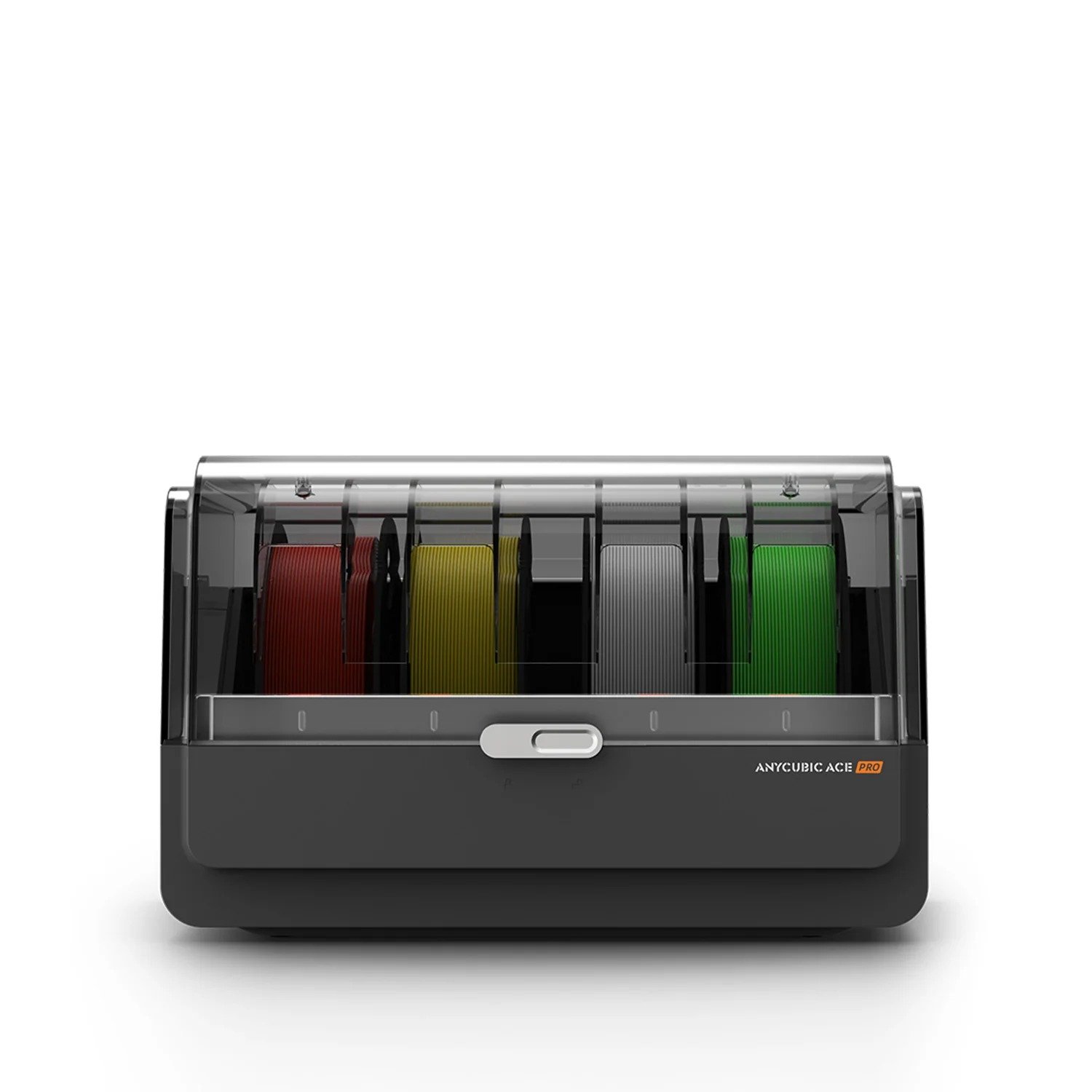
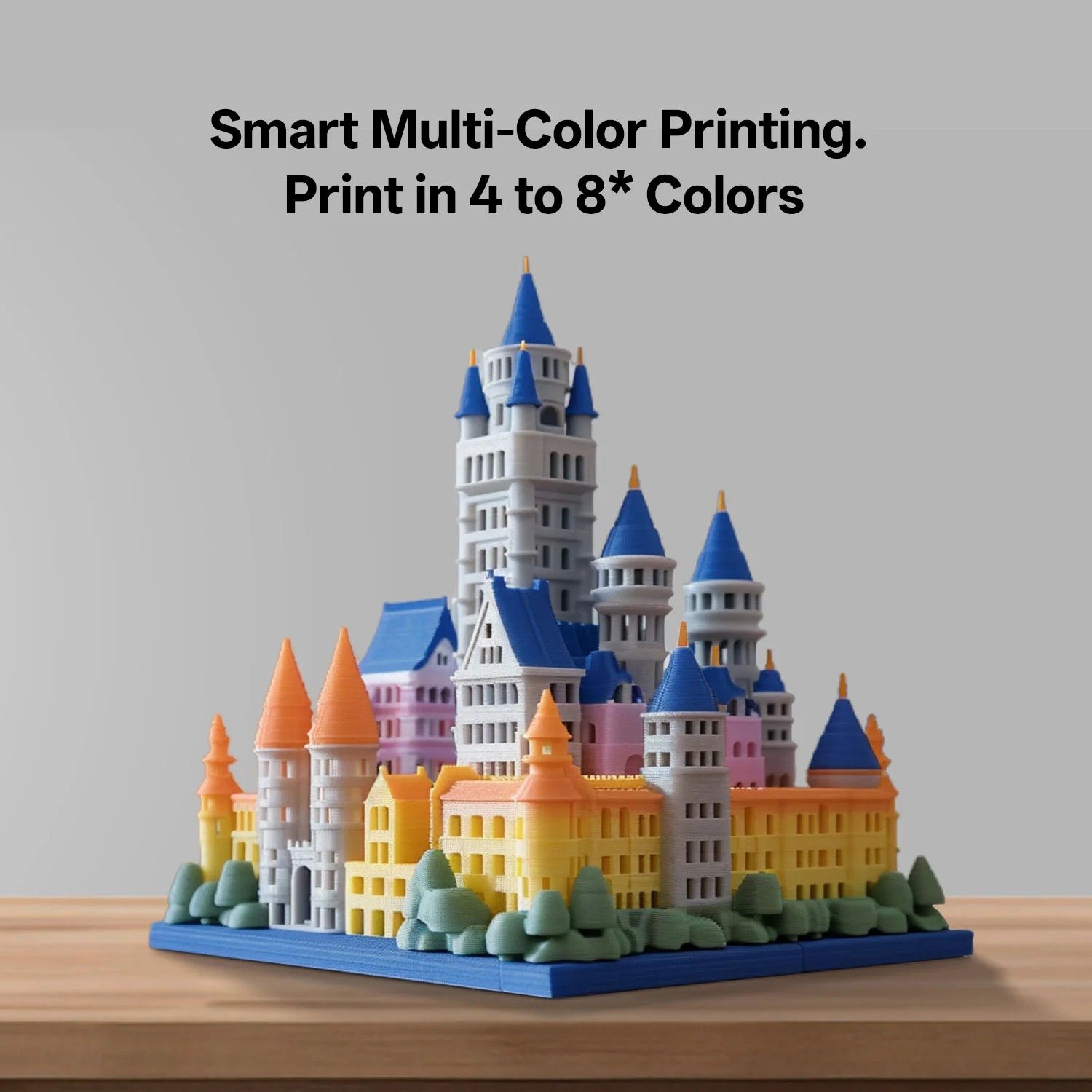
Smart Multi-Color Printing – Print in 4 to 8 Colors
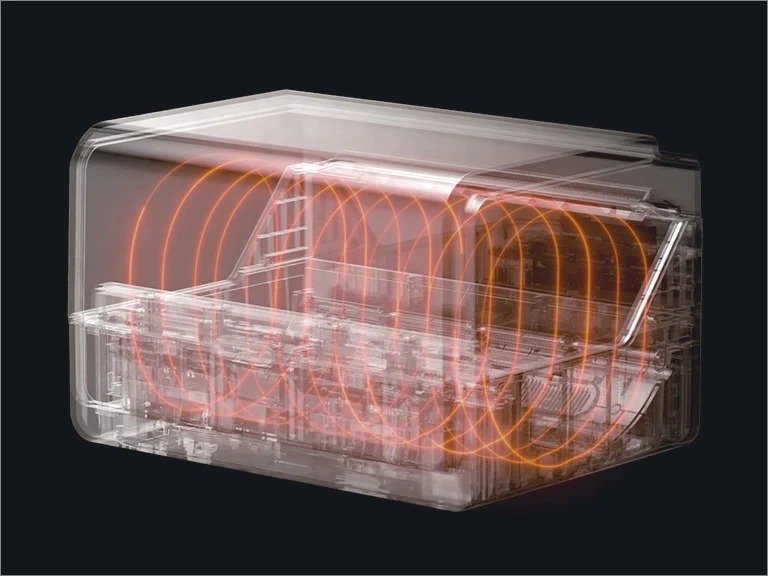
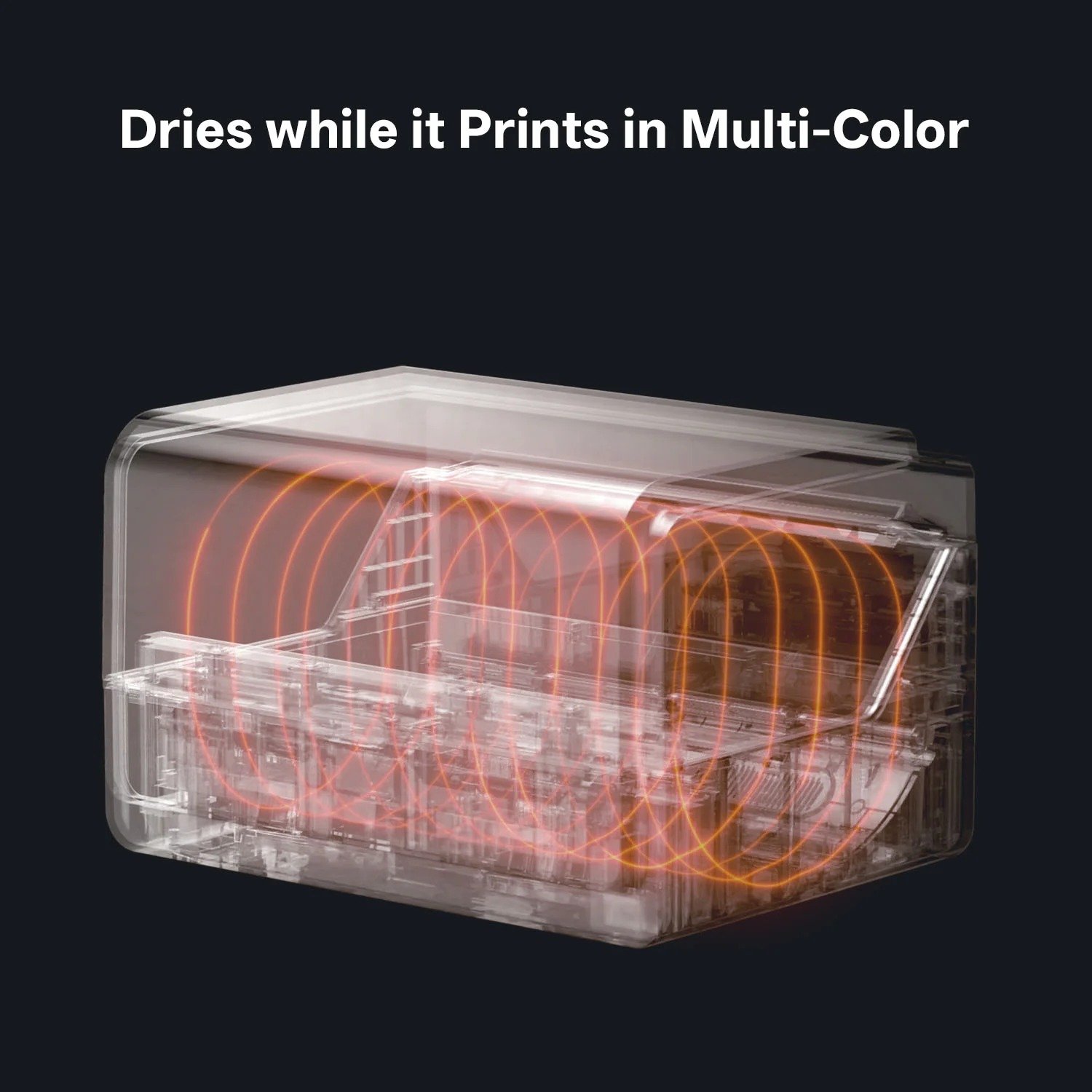
Dries while it Prints in Multi-Color

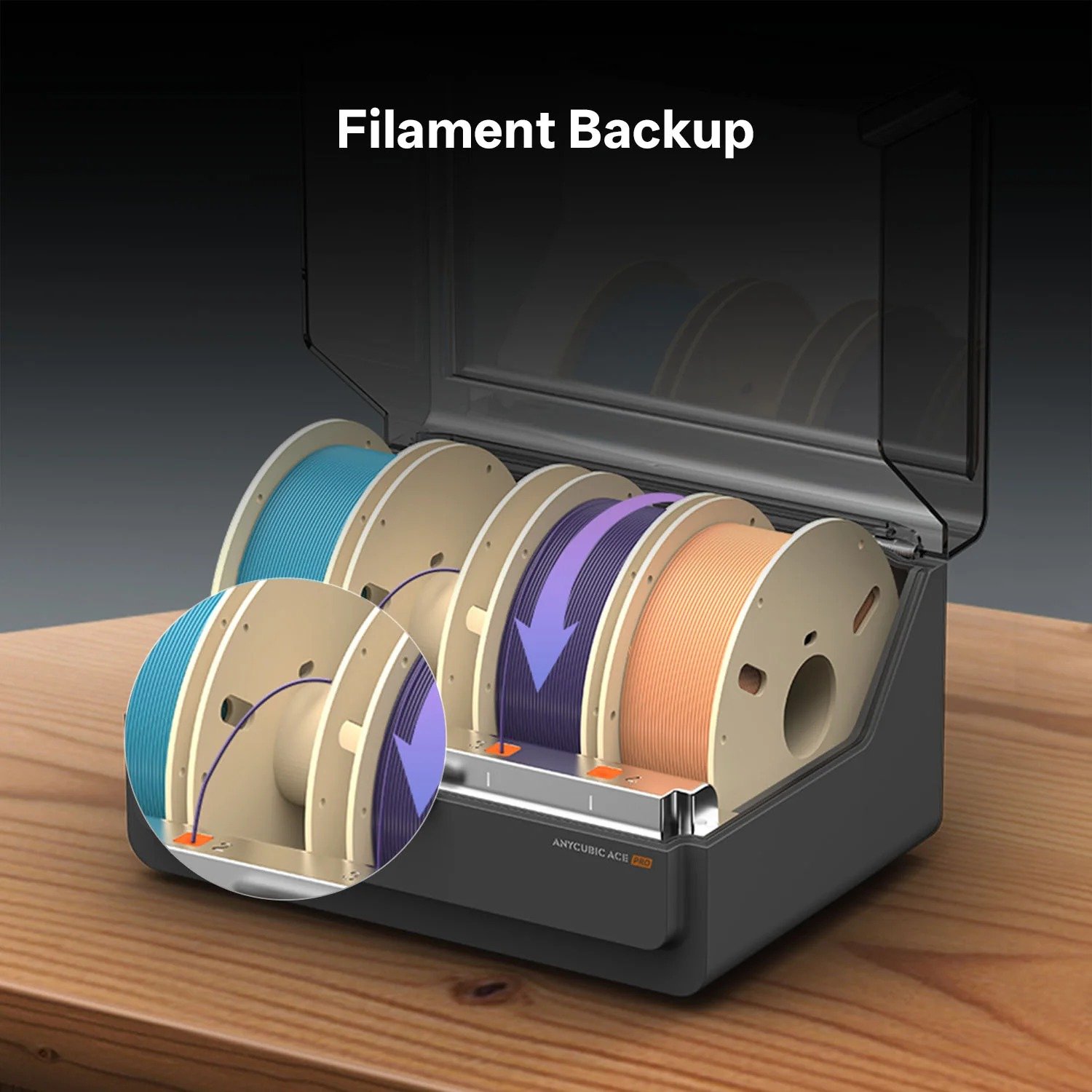
Filament Backup
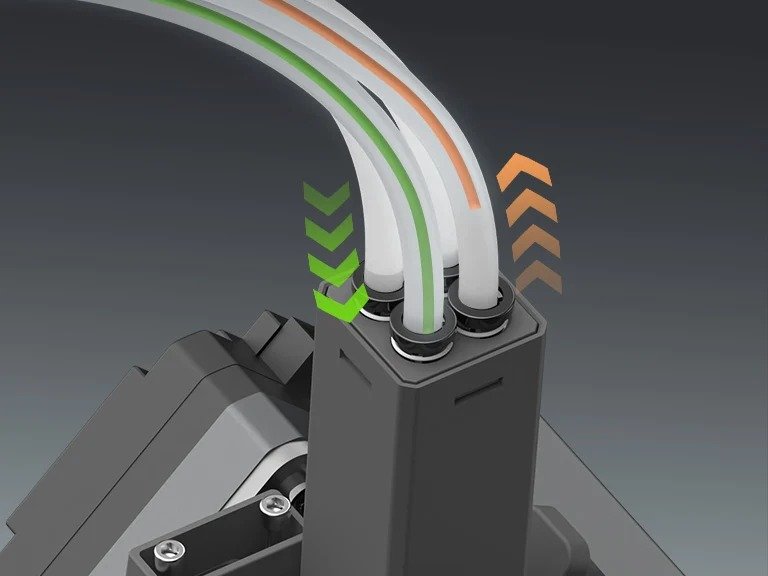
Nozzle Clog Detection, Minimizes Filament Tangling
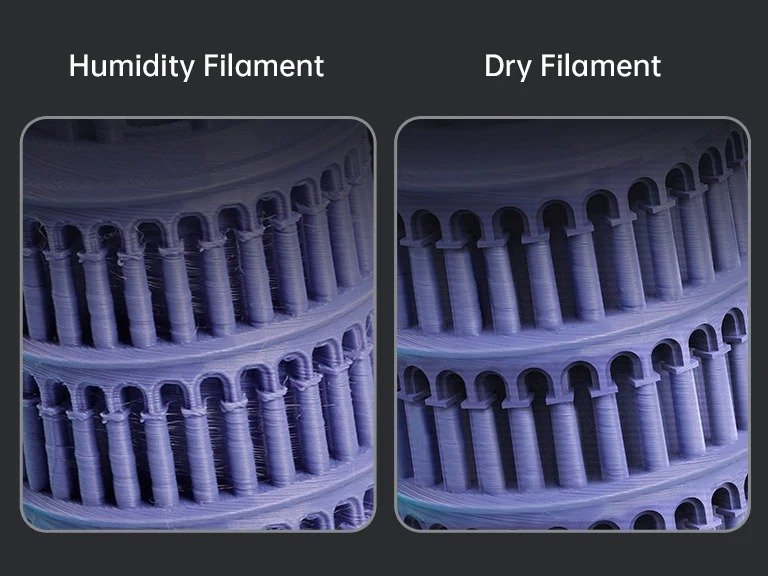
Filament Drying at all Times
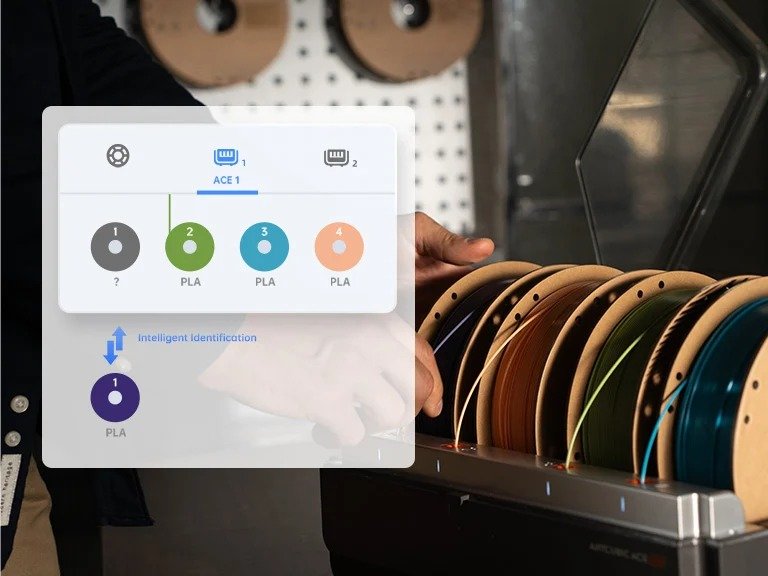
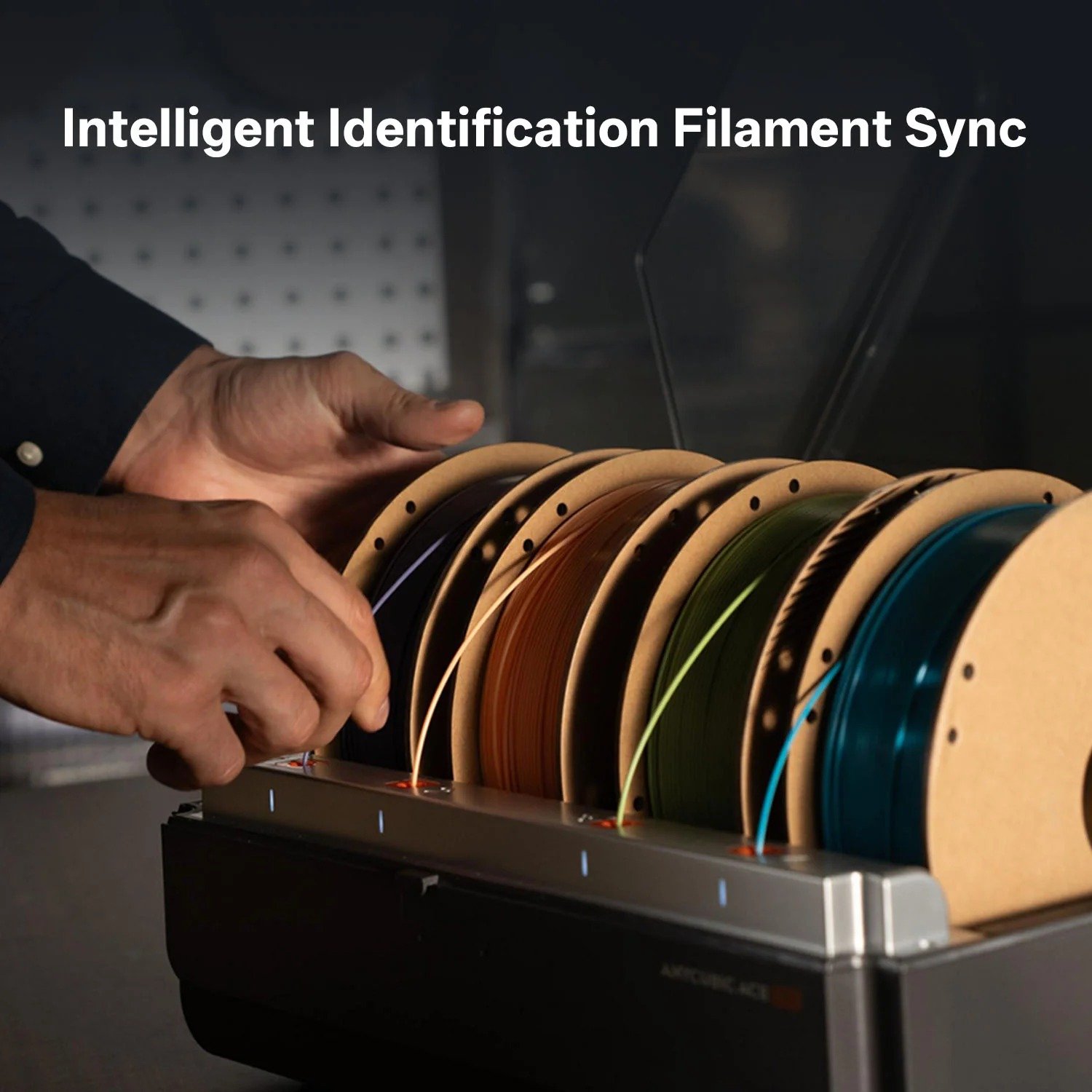
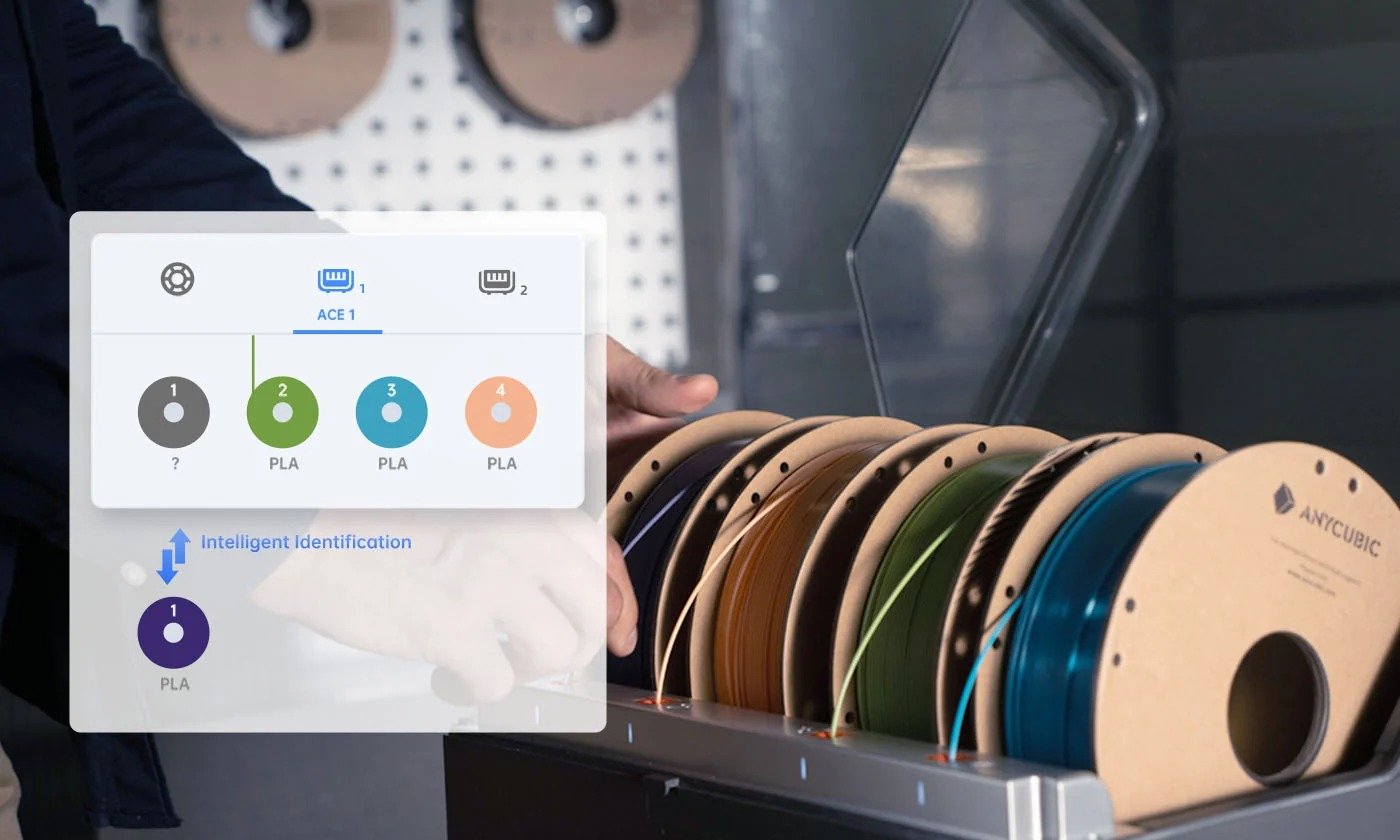
Intelligent Identification Filament Sync
Innovation Deep-Dive
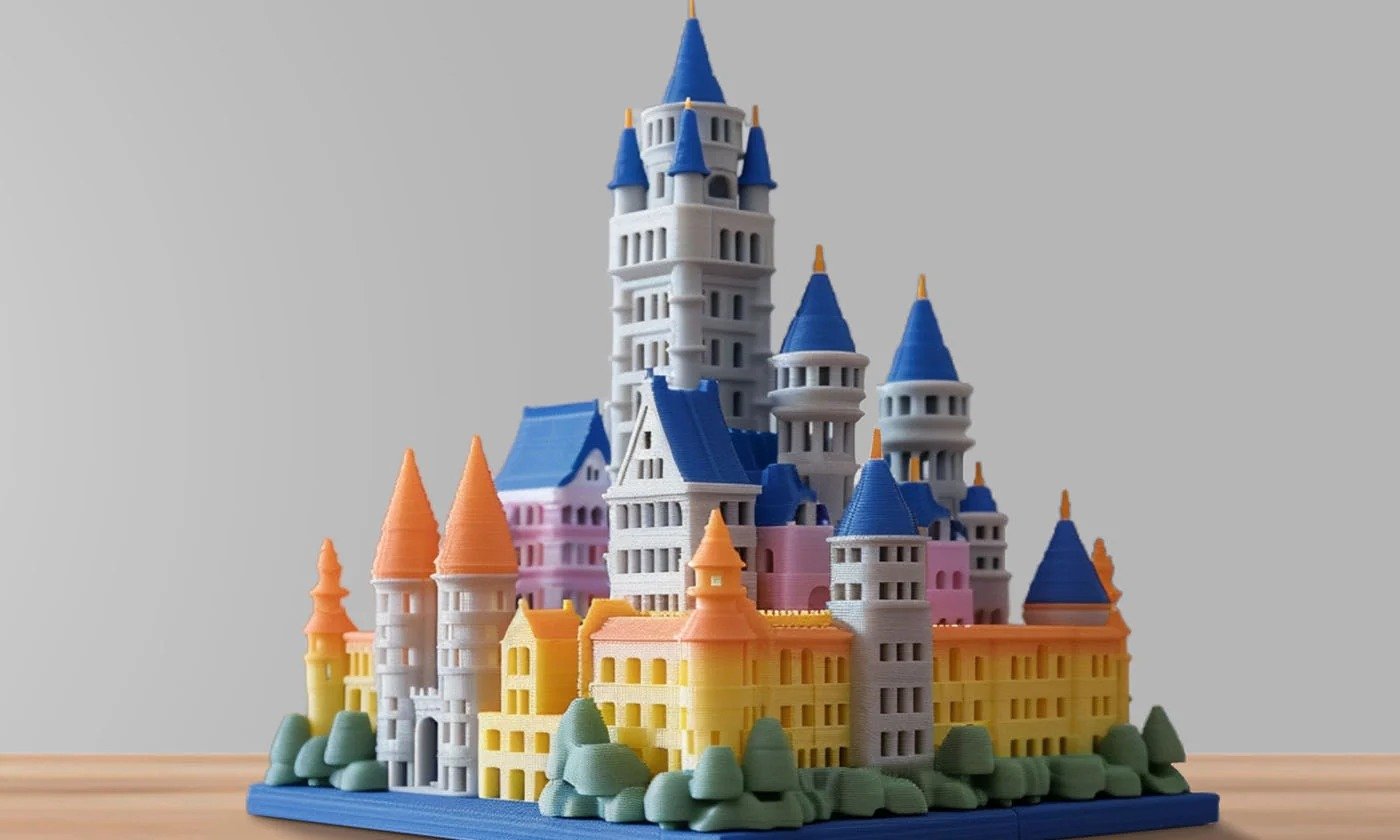
Unleash creativity in 4 colors①.
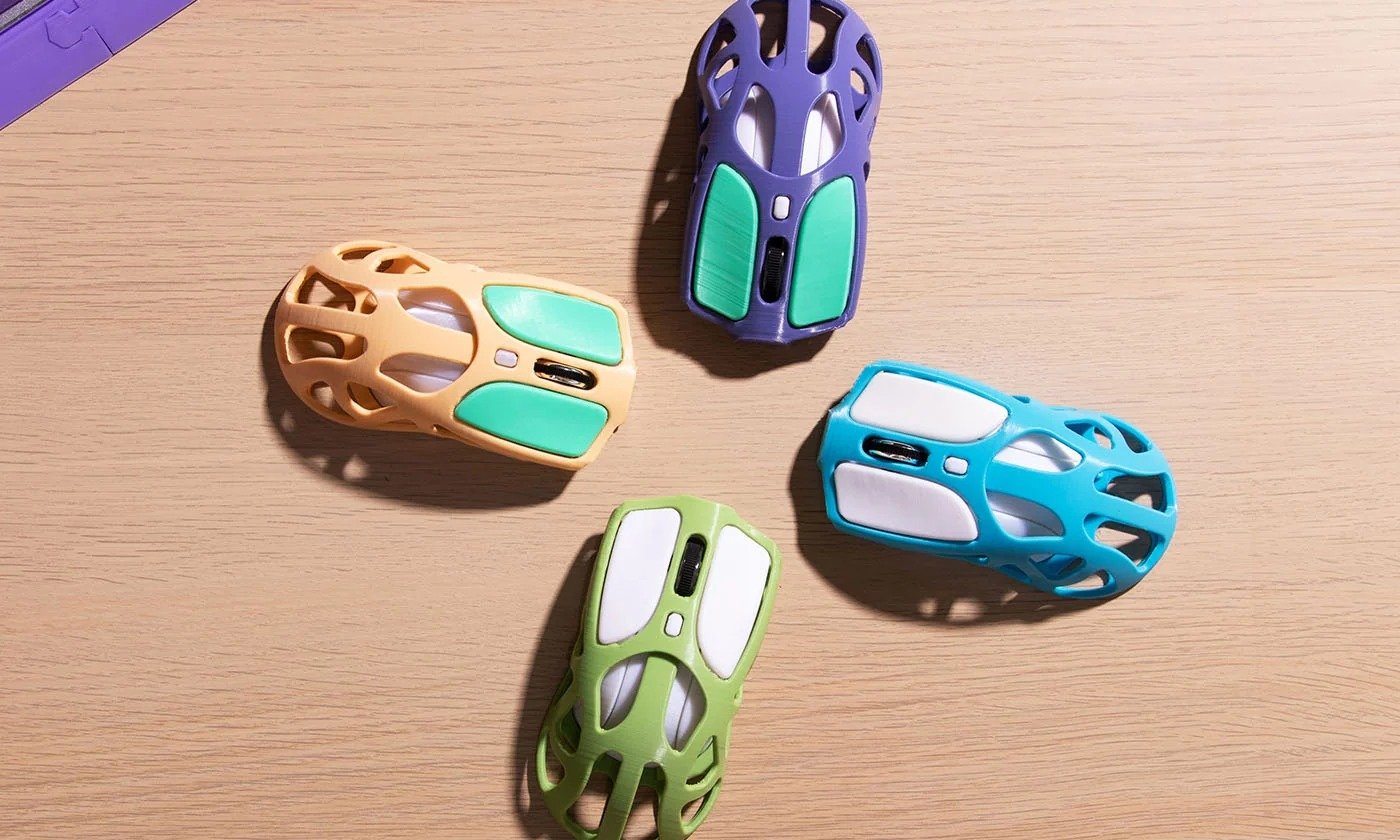
Print up to 8 stunning colors②.
Filament colors are matched by Intelligent Identification Filament Sync.
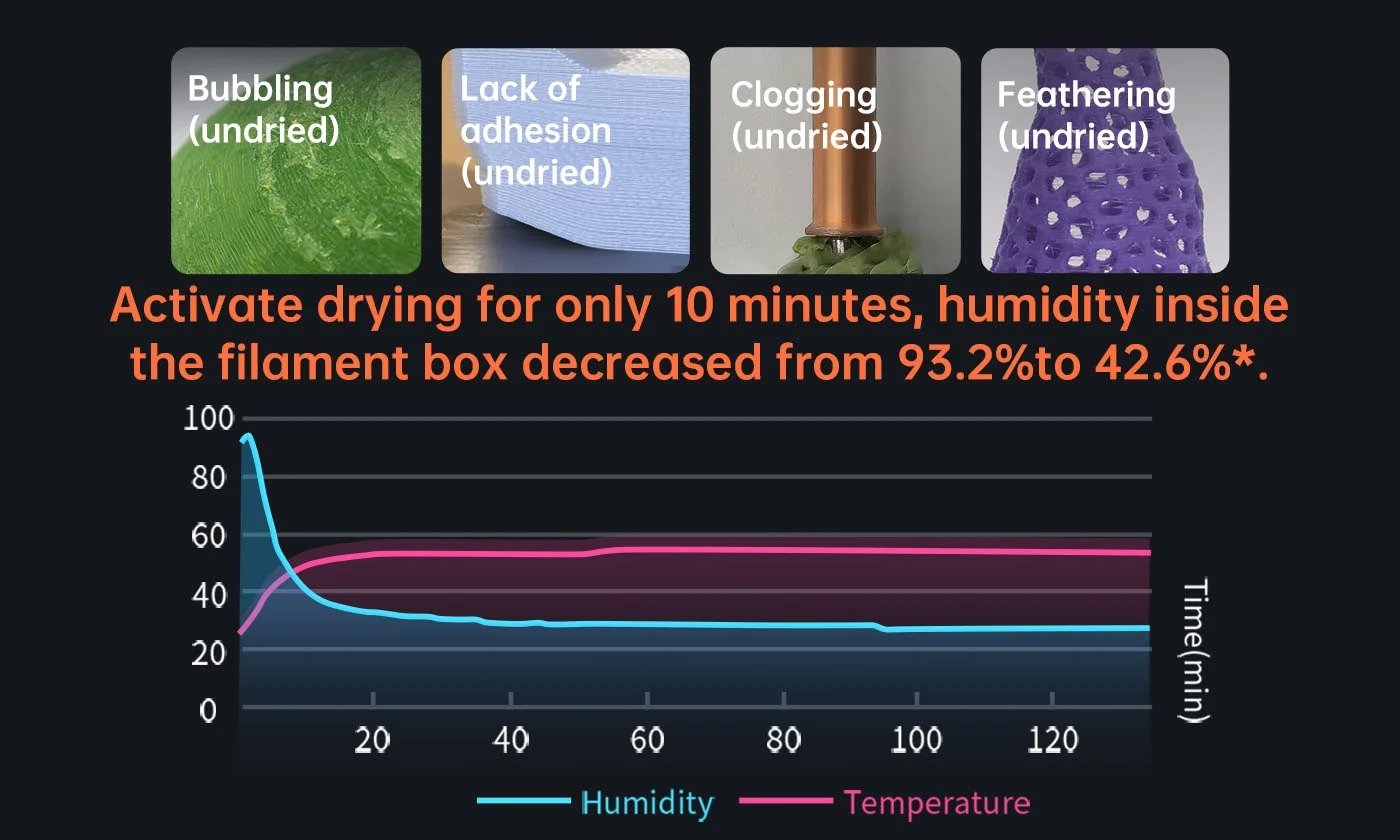
Active heating to improve model quality*③.
Maximum 24h drying while printing.
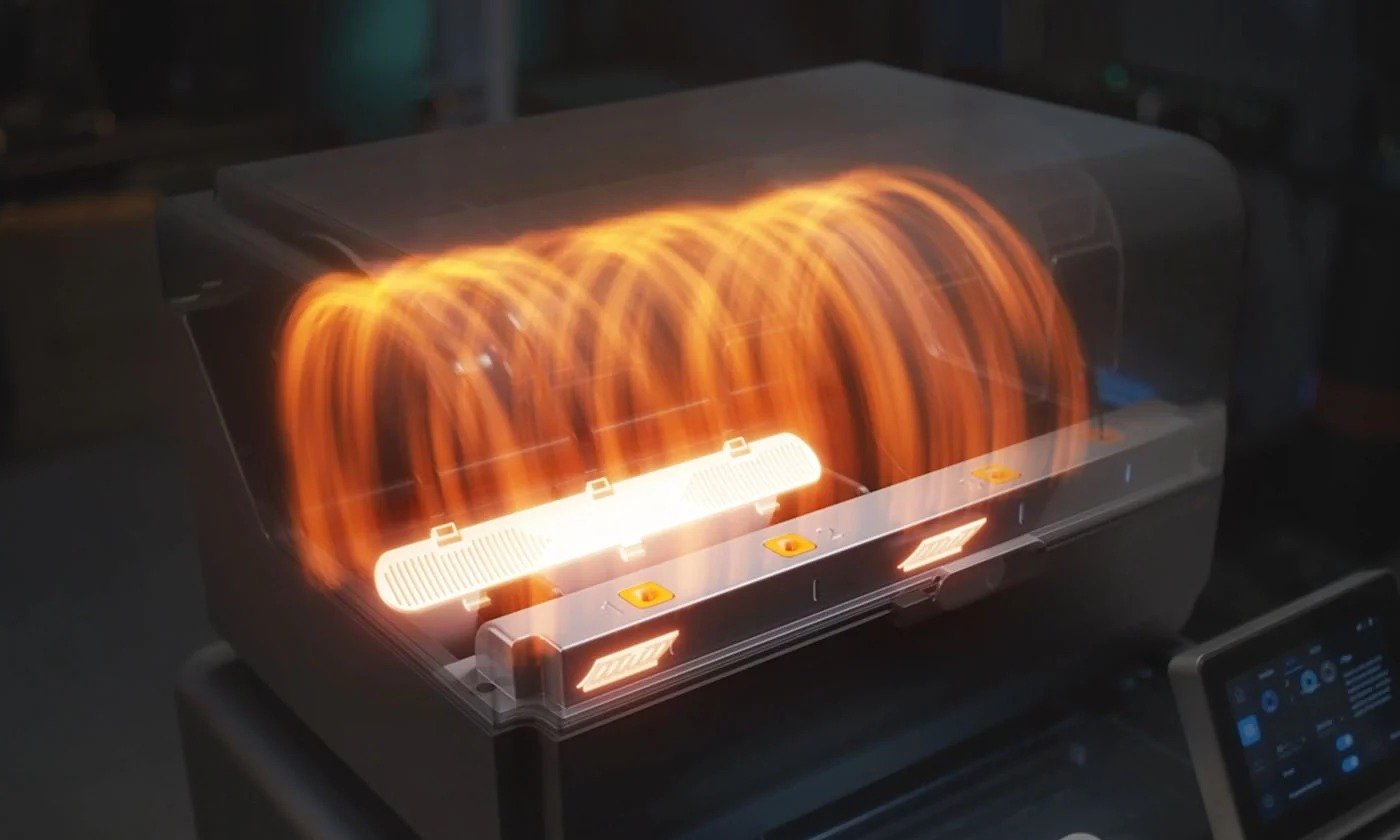
Optimal Storage.

Smart filament entanglement detection.
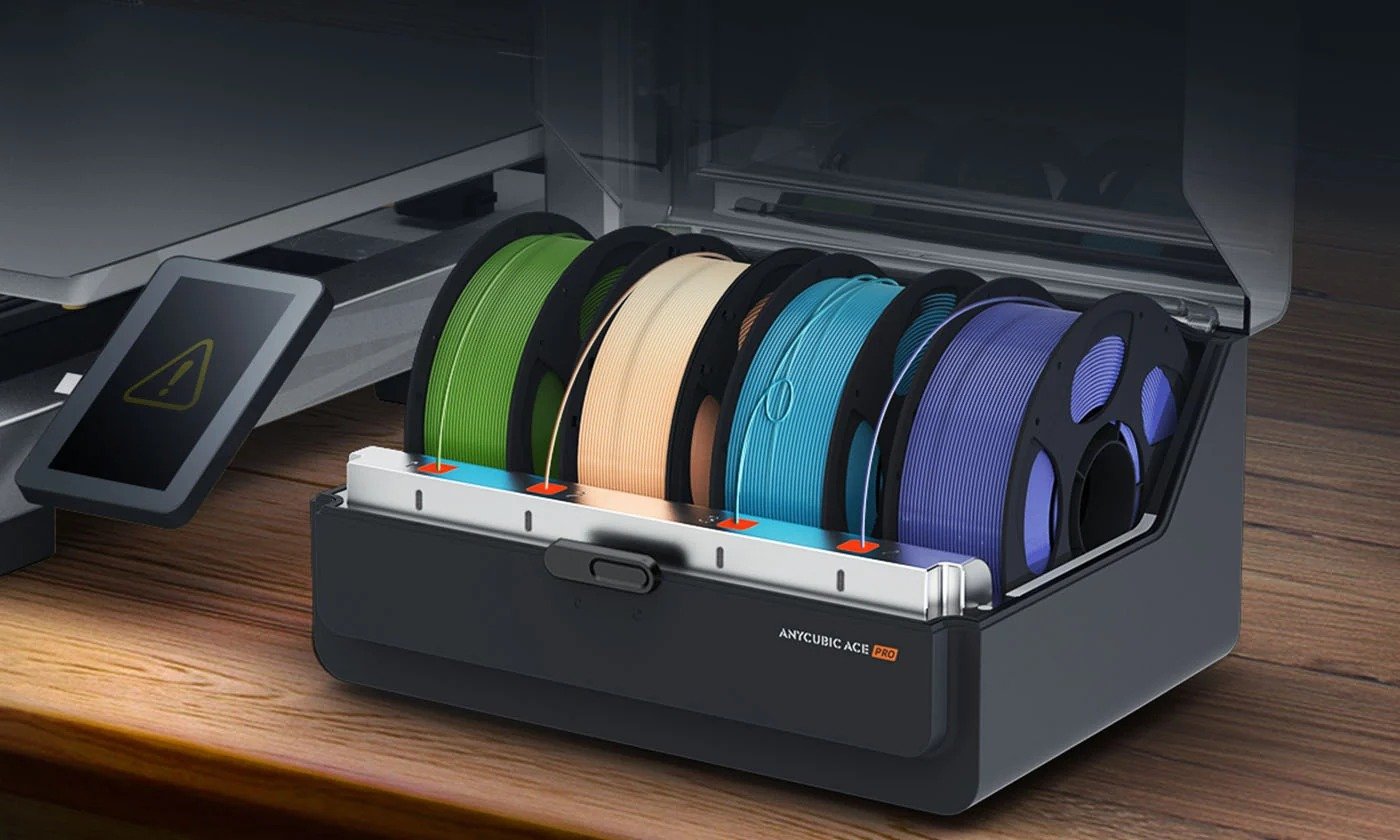
Filament auto-refill.

Supporting Filaments
| Supporting FilamentsPLA, PETG, ABS, ASA, PET, PA, PC, PP, HIPS | |
| Filament Diameter1.75 mm | |
| Spool Compatibility/ | |
| Printer CompatibilityKobra S1 / Kobra 3 Max / Kobra 3 V2 / Kobra 3 | |
| Drying EfficacySuitable for drying: PLA, PETG, TPU, PVB; Compatible but not optimal: ASA, ABS, PET, PA, PC, PP, BVOH, POM, HIPS, Fiber-reinforced materials |
Housing Material
| Housing MaterialABS / PC | |
| MotorsBrushless motor *2 | |
| Active Moisture ControlNot supported | |
| Sealed StorageNot supported | |
| Externally Mounted PTFE TubeNot supported | |
| Temp.&Humidity MonitoringTemperature only, display on APP, slicer & printer screen | |
| Filament Intelligent IdentificationSupported | |
| Filament Runout DetectionNot supported | |
| Auto-Resume PrintingSupported | |
| Power Rating230 W | |
| Max. Drying Temp.55 ℃ |
Machine Weight
| Machine Weight4.6kg | |
| Package Weight5.7kg | |
| Machine Dimensions365.94*282.84*234.5mm³ | |
| Packaging Dimensions430*335*305mm³ |

What do the ①②③ annotations in the product details mean?
The numbered annotations on the product page correspond to the following explanations:
① This function requires 2 ACE Pros.
② It must be used with Anycubic filaments with Intelligent Identification Filament Sync functions.
③ *Data provided by the Anycubic Lab.
Does ACE Pro support PLA Matte?
When using PLA matte, the ACE Pro may experience compatibility limitations, which can affect the stability and consistency of print quality. To ensure optimal print quality, our product team recommends using a dedicated printer when printing with PLA Matte, and avoiding concurrent printing jobs with other materials. This will maximize print quality.
How can I print in 8 colors?
Anycubic Slicer Next 1.1.1 for Windows has been released. It requires a firmware update to version V2.3.3.9_1.1.6_1.1.6 for compatibility; the latest firmware now fully supports eight-color printing. Please click here to download. Also, eight-color printing requires two ACE Pro.
Can the ACE Pro be used with filaments without intelligent identification chip?
Yes. The ACE Pro can precisely detect Intelligent Identification Filament and automatically optimize printer settings for the best results. If users print with filaments that lack an intelligent identification chip, the ACE Pro will not automatically detect the material and color.
Can the ACE Pro be installed on either the left or right side of the Kobra 3?
We highly recommend installing the ACE Pro device on the left side of the Kobra 3 printer. This suggestion is based on the design specifications of the Teflon tube and hub accessories, which are optimized for placement on the left side.
Placing the ACE Pro device on the right side may potentially interfere with the smooth advancement of the filament, leading to irregular filament feed. Therefore, to ensure optimal performance and functionality, we advise adhering to the left side installation.
Can the ACE Pro run standalone to dry without control from Kobra 3?
No. The ACE Pro includes heating elements for drying, but it is controlled by the Kobra 3, it cannot be used independently without the control of the Kobra 3.