Description
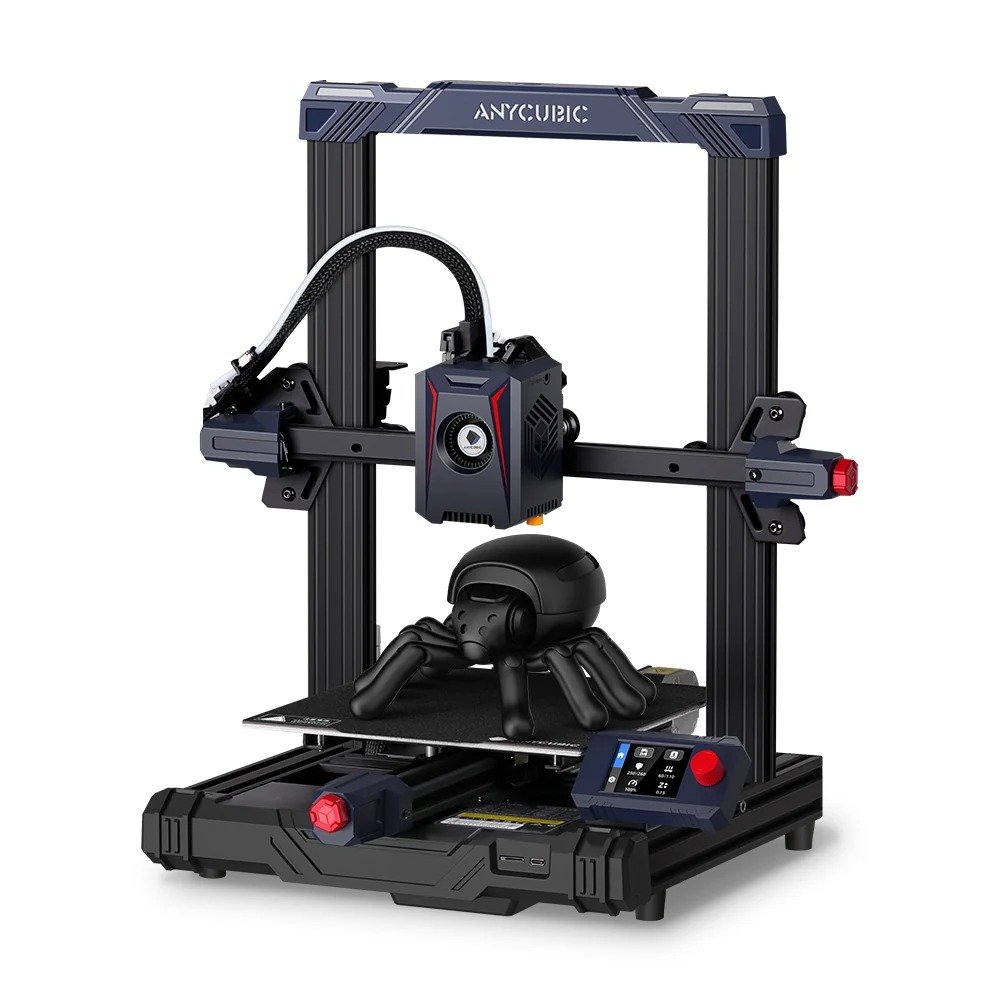
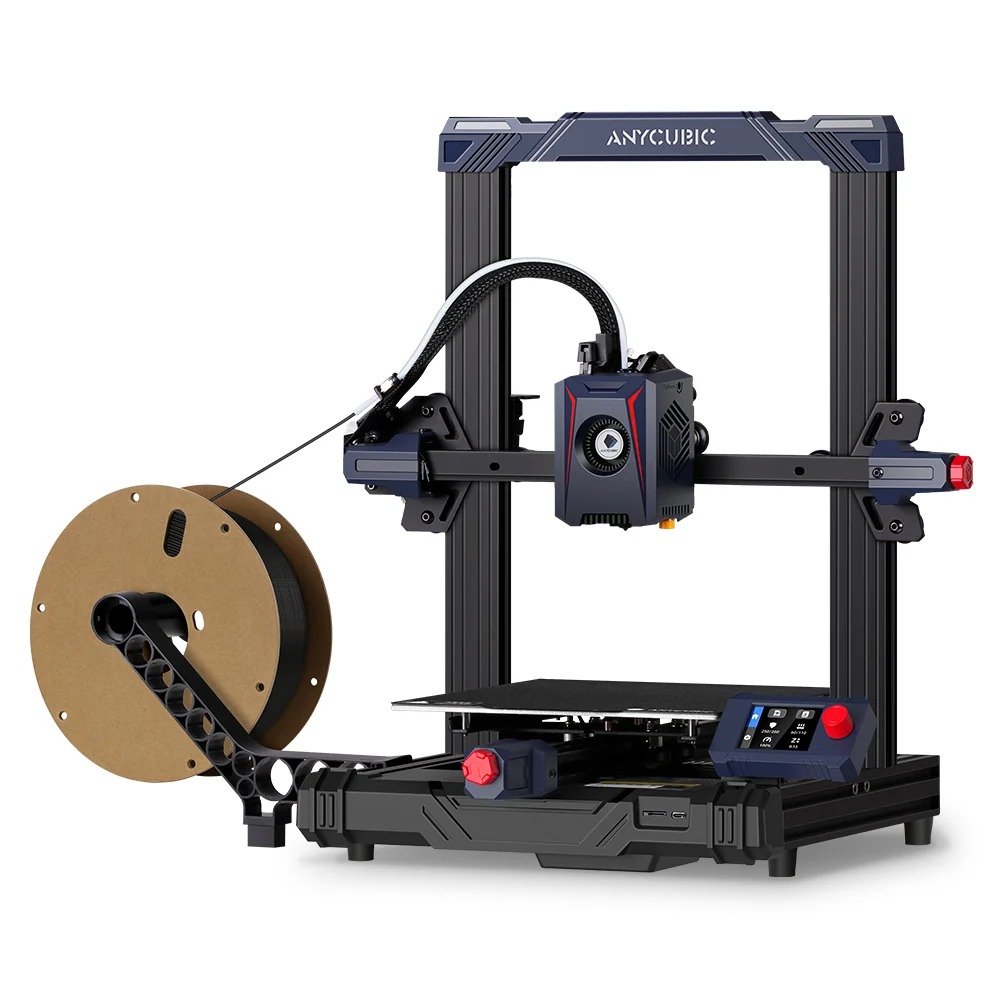
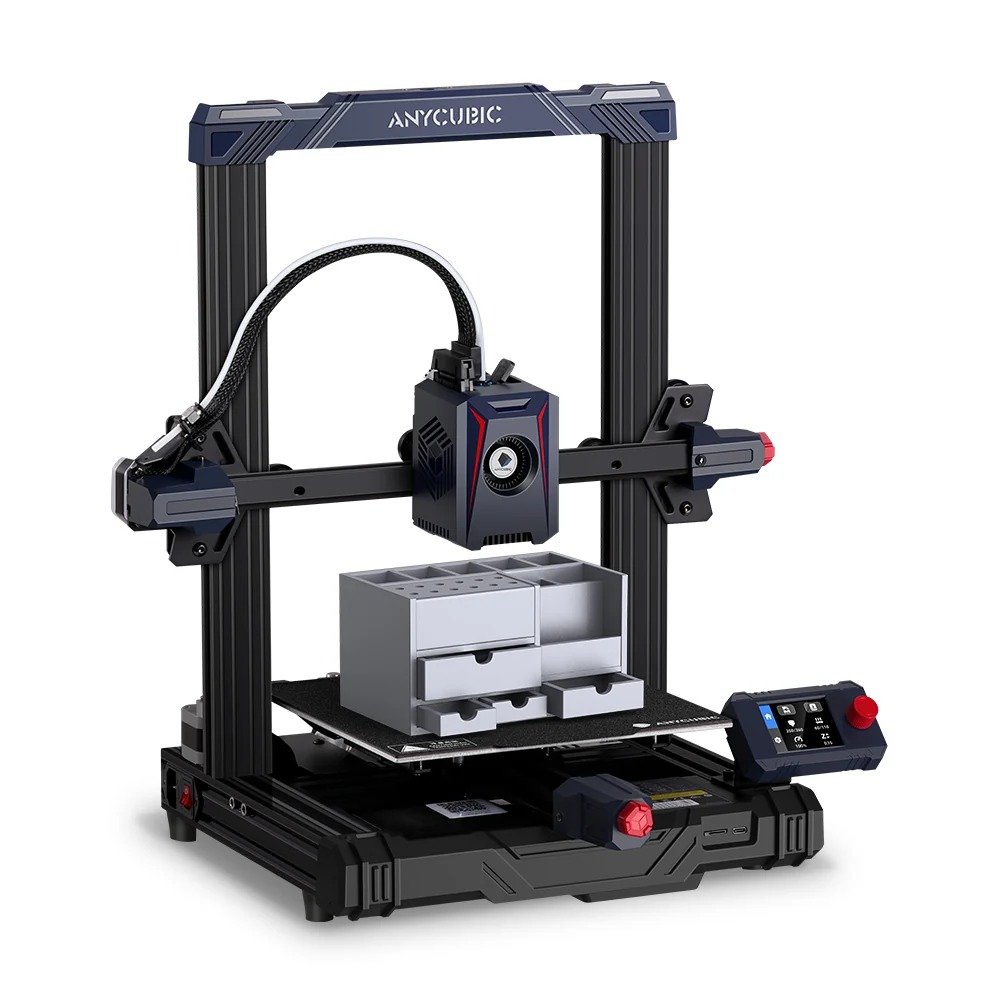
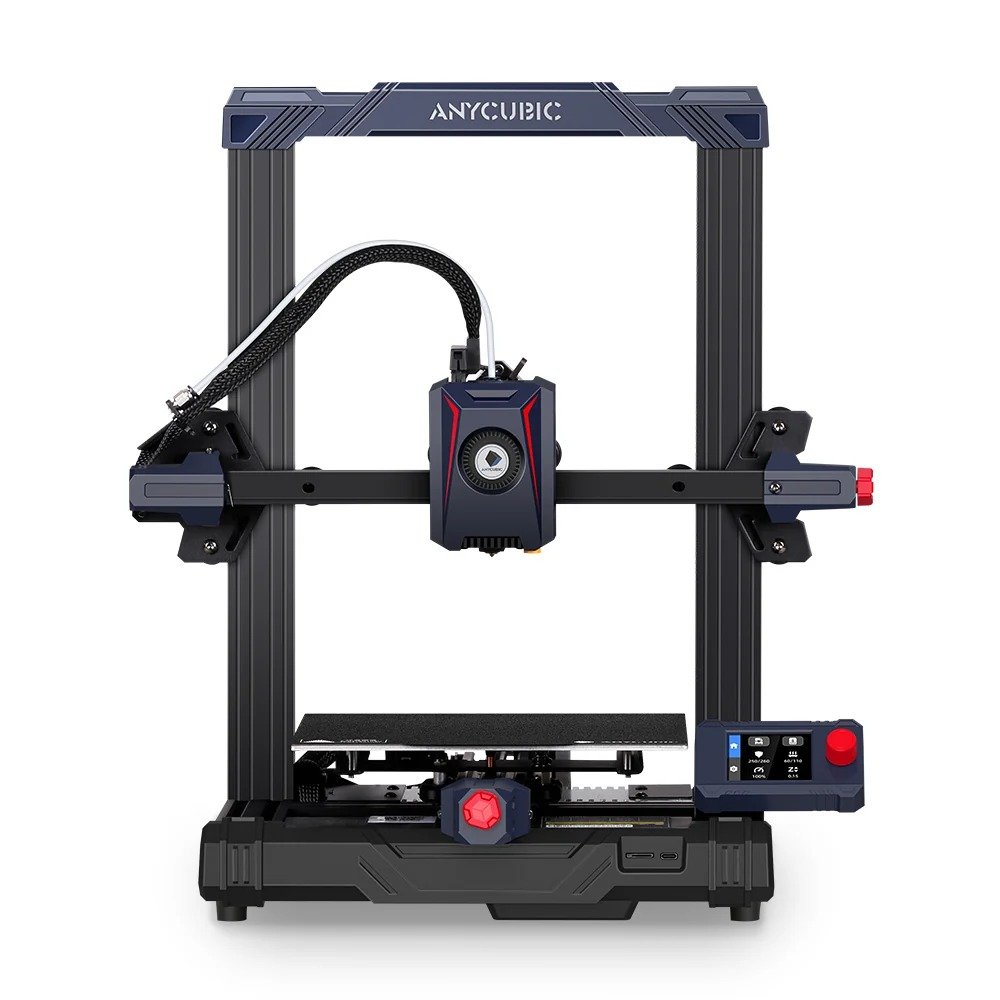
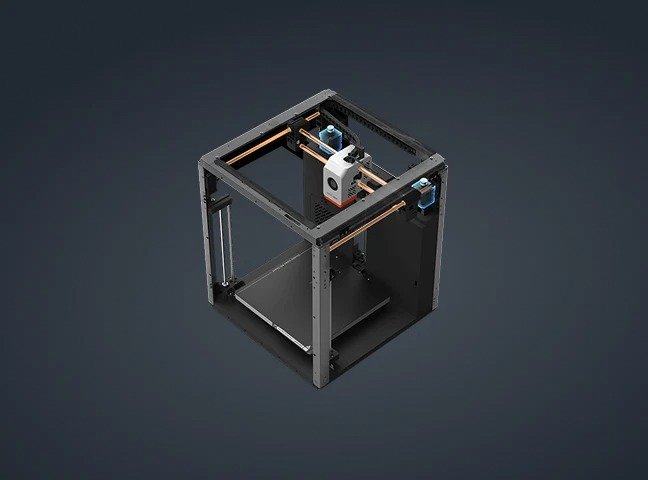
CoreXY Construction
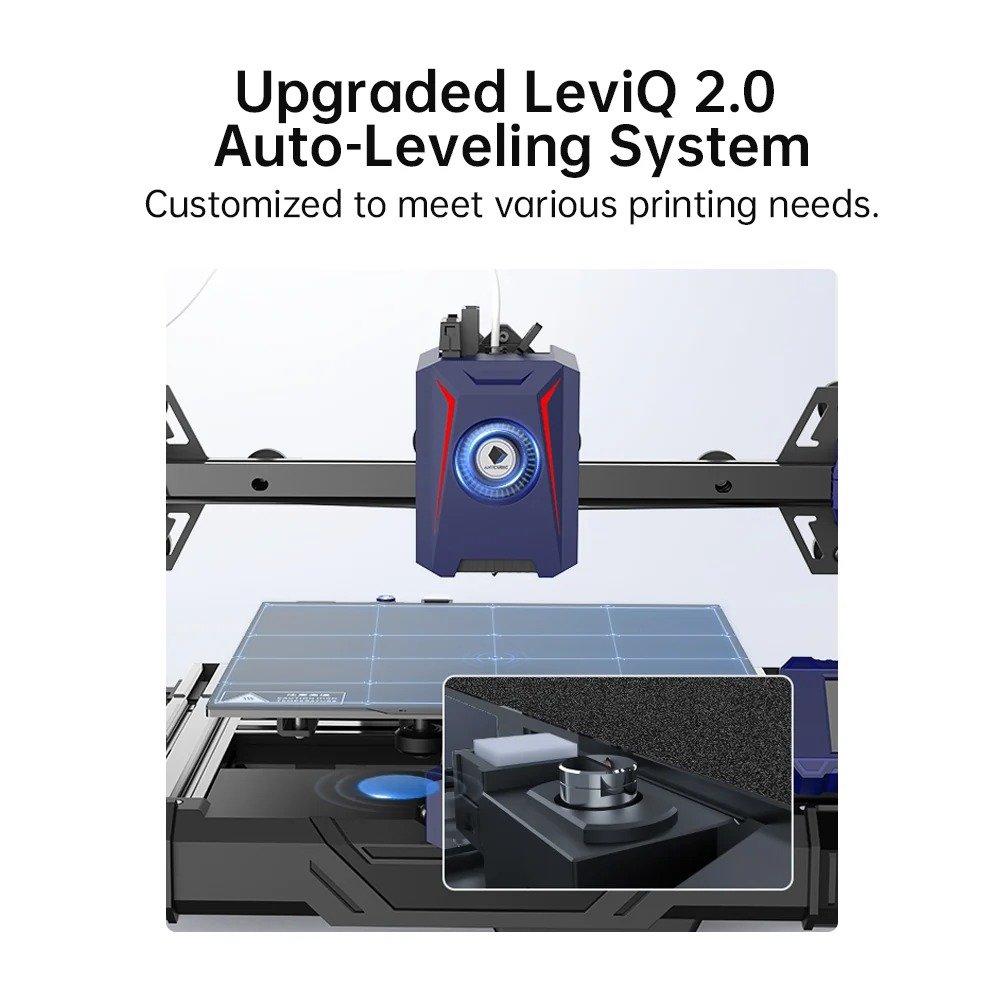
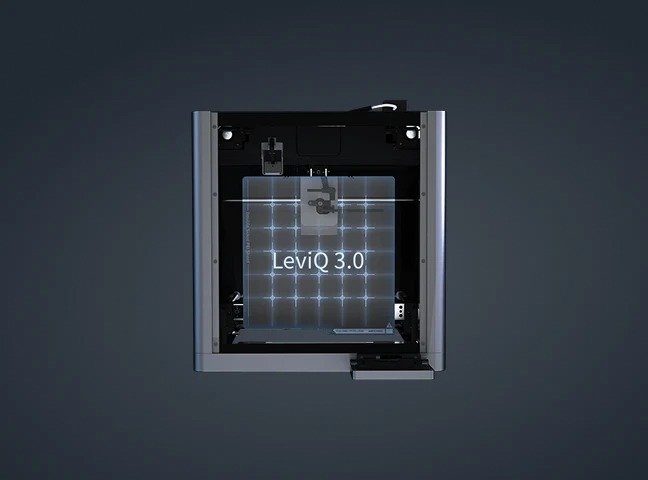
LeviQ 3.0
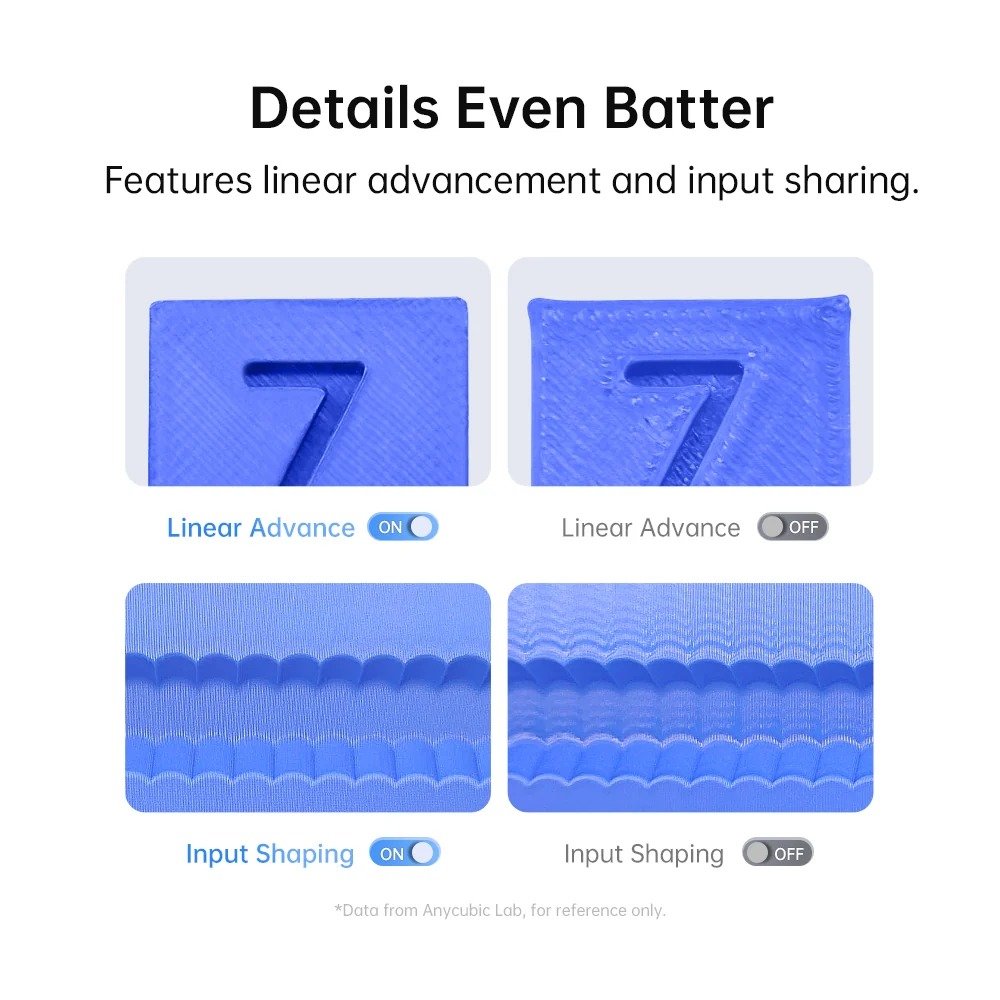
Flow Correction
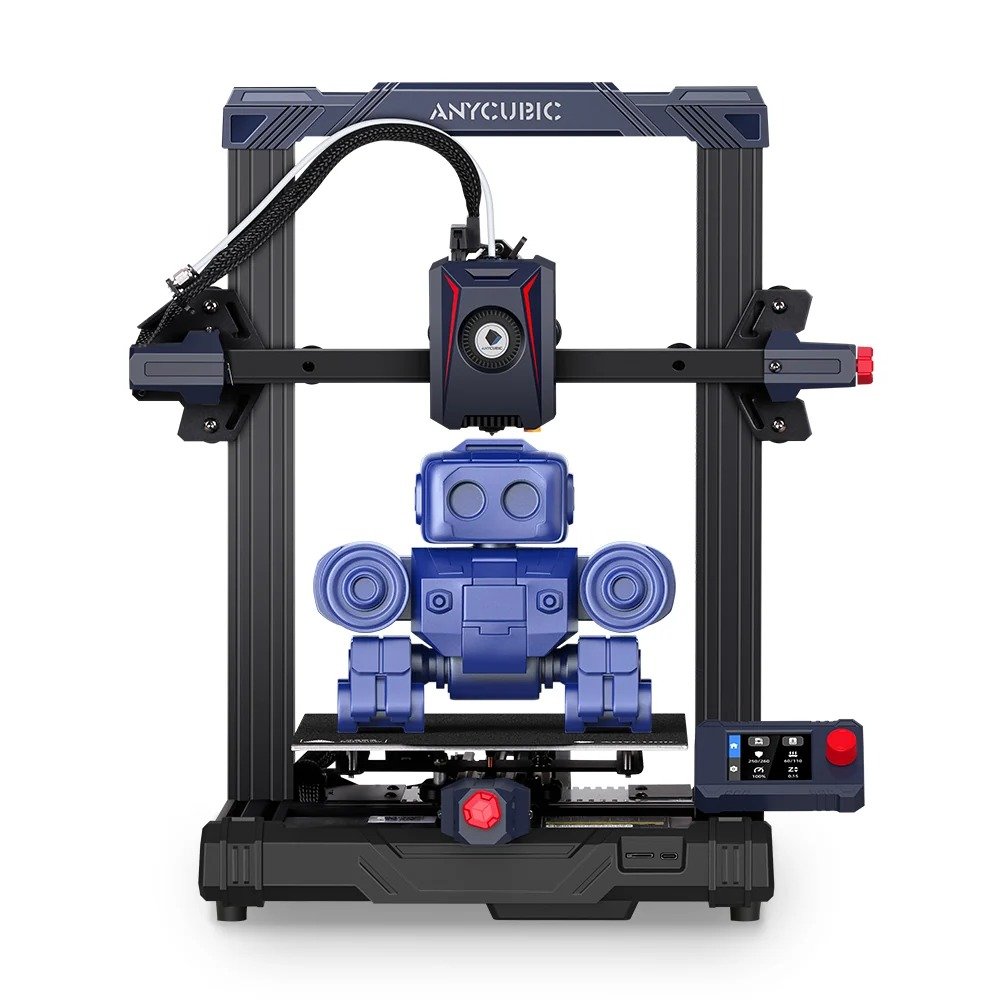
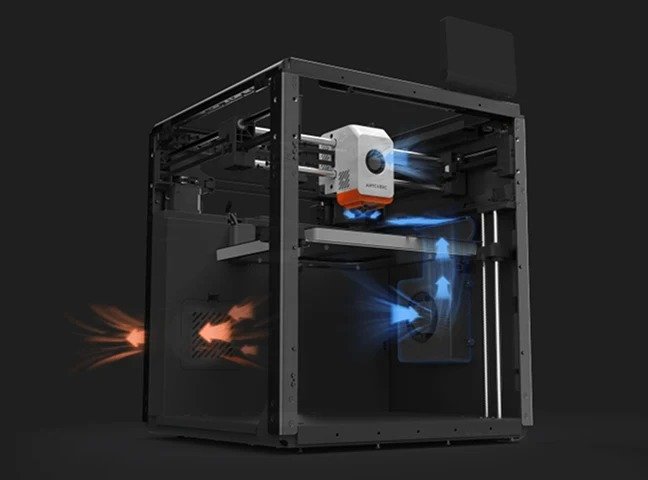
The seamless integration of the ultra-stable CoreXY construction, dual motor drive, and Kobra OS system greatly minimizes vibrations during printing, enhancing the responsiveness, and precision of the extruder. This results in a smoother and more precise printing process.
Resonance Compensation
The seamless integration of the ultra-stable CoreXY construction, dual motor drive, and Kobra OS system greatly minimizes vibrations during printing, enhancing the responsiveness, and precision of the extruder. This results in a smoother and more precise printing process.
Core Printing Performance
| Multicolor Printing | Sold separately |
| Printing Volume | 250*250*250mm³ |
| Active Drying | Not Supported |
| Supporting Filaments | PLA, PETG, TPU, ABS, ASA |
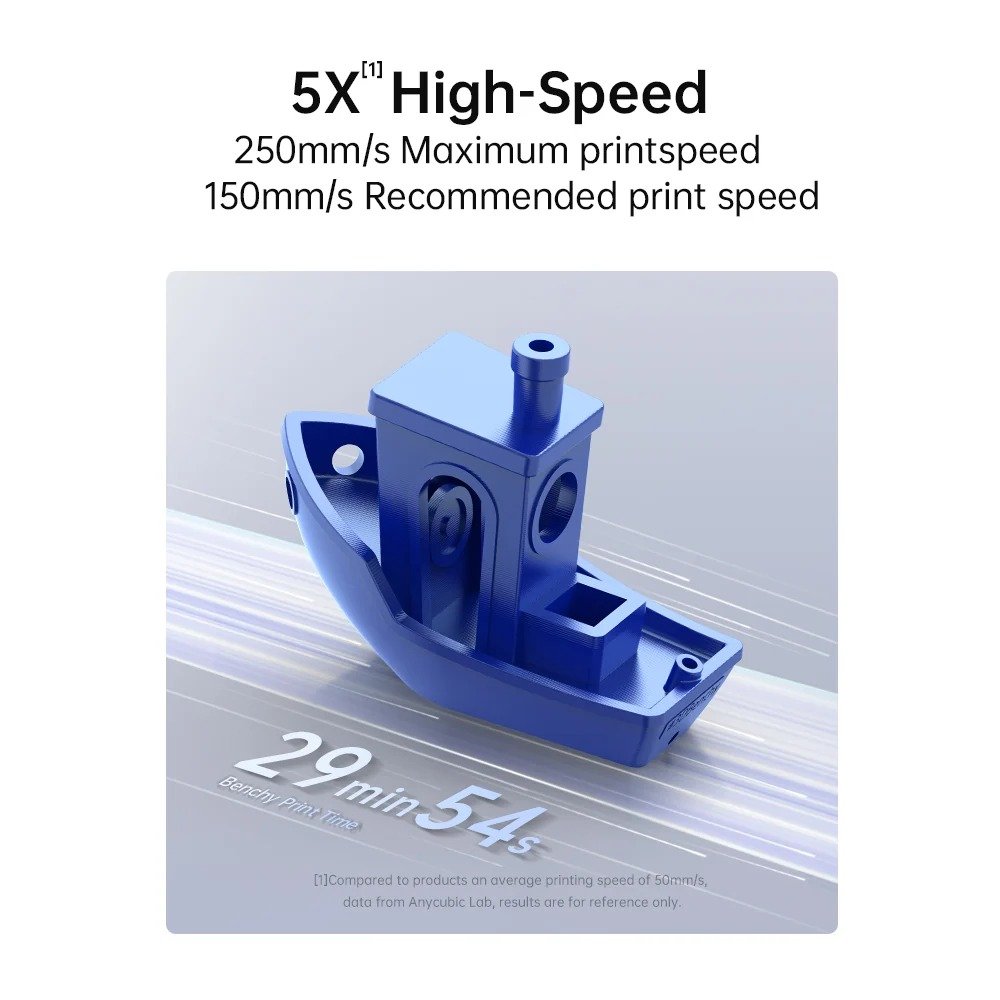
| Printing Speed | Recommended 300 mm/s; Maximum 600 mm/s |
| Acceleration | Recommended 10,000 mm/s²; Maximum 20,000 mm/s² |
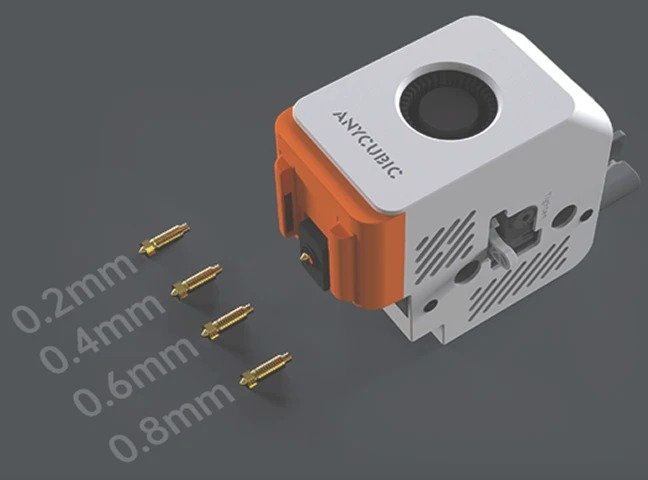
| Nozzle Specs | Max temperature 320°C; Diameter standard 0.4 mm, expandable to 0.25 / 0.6 / 0.8 mm |
| Hotbed Specs | Max temperature 120°C, material PEI spring steel build plate |
System & Mechanical Design
| Firmware Solution | Kobra OS |
| Construction | CoreXY |
| Extrusion Type | Short distance extrusion |
| Motion System X-axis | Linear rods |
| Motion System Y-axis | Linear rods |
| Motion System Z-axis | Single motor with three guide poles |
| Machine Leveling | LeviQ3.0 Auto-leveling, Z-Offset |
| Pressure Advance / Flow Calibration | Supported |
| Power Loss Resume | Supported |
| Filament Detection & Auto Resume | Supported |
| Filament Entanglement Detection | Supported |
| AI Spaghetti Detection | Supported |
| Object-Skip & Area Leveling | Supported |
| Control & Print Methods | Via printer, slicing software, Anycubic APP, USB (print only) |
User Experience & Features
| Touchscreen | 4.3-inch capacitive touchscreen |
| Noise | ≤46dB (Standard mode); ≤44dB (Quiet mode) |
| Video Monitoring | Standard HD camera, supports 480P |
| Multilingual Support | EN / CN / DE / FR / IT / ES / RU / JP / KO |
| Machine Weight | 9.37kg |
| Package Weight | 20.2kg |
| Machine Dimensions | 400*410*490mm³ |
| Package dimensions | 490*484*573mm³ |
| Features / Specs | Anycubic Kobra S1 | Anycubic Kobra S1 Combo | Smooth Plate |
|---|---|---|---|
| Multicolor Printing | Sold separately | Supports 4- or 8-color Printing | – |
| Printing Volume | 250*250*250mm³ | 250*250*250mm³ | – |
| Active Drying | Not Supported | Supported, drying temperature up to 55°C | – |
| Supporting Filaments | PLA, PETG, TPU, ABS, ASA | PLA, PETG, TPU (95A) (TPU 95A is not compatible with the ACE Pro), ABS, ASA | – |
| Printing Speed | Recommended 300 mm/s; Maximum 600 mm/s | Recommended 300 mm/s; Maximum 600 mm/s | – |
| Acceleration | Recommended 10,000 mm/s²; Maximum 20,000 mm/s² | Recommended 10,000 mm/s²; Maximum 20,000 mm/s² | – |
| Nozzle Specs | Max temperature 320°C; Diameter standard 0.4 mm, expandable to 0.25 / 0.6 / 0.8 mm | Max Temperature 320°C; Diameter Standard 0.4 mm, Expandable to 0.25 / 0.6 / 0.8 mm | – |
| Hotbed Specs | Max temperature 120°C, material PEI spring steel build plate | Max Temperature 120°C, Material PEI Spring Steel Build Plate | – |
| Firmware Solution | Kobra OS | Kobra OS | – |
| Construction | CoreXY | CoreXY | – |
| Extrusion Type | Short distance extrusion | Short Distance Extrusion | – |
| Motion System X-axis | Linear rods | Linear Rods | – |
| Motion System Y-axis | Linear rods | Linear Rods | – |
| Motion System Z-axis | Single motor with three guide poles | Single Motor with Three Guide Poles | – |
| Machine Leveling | LeviQ3.0 Auto-leveling, Z-Offset | LeviQ3.0 Auto-leveling, Z-Offset | – |
| Pressure Advance / Flow Calibration | Supported | Supported | – |
| Power Loss Resume | Supported | Supported | – |
| Filament Detection & Auto Resume | Supported | Supported | – |
| Filament Entanglement Detection | Supported | Supported | – |
| AI Spaghetti Detection | Supported | Supported | – |
| Object-Skip & Area Leveling | Supported | Supported | – |
| Control & Print Methods | Via printer, slicing software, Anycubic APP, USB (print only) | Via Printer, Slicing Software, Anycubic APP, USB (print only) | – |
| Touchscreen | 4.3-inch capacitive touchscreen | 4.3-inch Capacitive Touchscreen | – |
| Noise | ≤46dB (Standard mode); ≤44dB (Quiet mode) | ≤46dB (Standard mode); ≤44dB (Quiet mode) | – |
| Video Monitoring | Standard HD camera, supports 480P | Standard HD Camera, Supports 480P | – |
| Multilingual Support | EN / CN / DE / FR / IT / ES / RU / JP / KO | EN / CN / DE / FR / IT / ES / RU / JP / KO | – |
| Machine Weight | 9.37kg | Kobra S1- 18kg; ACE Pro – 4.6kg | – |
| Package Weight | 20.2kg | 25.9kg | – |
| Machine Dimensions | 400*410*490mm³ | Kobra S1: 400*410*490mm³; ACE Pro: 365.94*282.84*234.5mm³ | – |
| Package dimensions | 490*484*573mm³ | 490*484*593mm³ | – |
What do the [1][2][3][4][5][6][7] annotations in the product details mean?
The numbered annotations on the product page correspond to the following explanations:
- TPU filaments are only suitable for single-color printing and cannot be used with ACE Pro for multicolor printing.
- Pair two ACE PRO units and an 8-color feeding unit to achieve 8-color printing.
- For a smoother multicolor printing experience, please prioritize the use of plastic filament spools.
- The data provided is measured at 1 meter away from the front of the printer. Due to individual machine differences, the actual noise level may deviate from the advertised value,which is considered normal.
- Need to be used with a camera. (The printer includes a camera, no separate purchase required. )
- Expected to launch in Q1 of 2025.
- To select models from Makeronline and utilize the Anycubic Slicer slicing software, you must access a PC that already has the software installed.
What steps should be taken during the first startup?
The numbered annotations on the product page correspond to the following explanations:
- TPU filaments are only suitable for single-color printing and cannot be used with ACE Pro for multicolor printing.
- Pair two ACE PRO units and an 8-color feeding unit to achieve 8-color printing.
- For a smoother multicolor printing experience, please prioritize the use of plastic filament spools.
- The data provided is measured at 1 meter away from the front of the printer. Due to individual machine differences, the actual noise level may deviate from the advertised value,which is considered normal.
- Need to be used with a camera. (The printer includes a camera, no separate purchase required. )
- Expected to launch in Q1 of 2025.
- To select models from Makeronline and utilize the Anycubic Slicer slicing software, you must access a PC that already has the software installed.
What materials can the Kobra S1 Combo print?
The numbered annotations on the product page correspond to the following explanations:
- TPU filaments are only suitable for single-color printing and cannot be used with ACE Pro for multicolor printing.
- Pair two ACE PRO units and an 8-color feeding unit to achieve 8-color printing.
- For a smoother multicolor printing experience, please prioritize the use of plastic filament spools.
- The data provided is measured at 1 meter away from the front of the printer. Due to individual machine differences, the actual noise level may deviate from the advertised value,which is considered normal.
- Need to be used with a camera. (The printer includes a camera, no separate purchase required. )
- Expected to launch in Q1 of 2025.
- To select models from Makeronline and utilize the Anycubic Slicer slicing software, you must access a PC that already has the software installed.
Does the Kobra S1 Combo have power-loss recovery and filament runout detection?
The numbered annotations on the product page correspond to the following explanations:
- TPU filaments are only suitable for single-color printing and cannot be used with ACE Pro for multicolor printing.
- Pair two ACE PRO units and an 8-color feeding unit to achieve 8-color printing.
- For a smoother multicolor printing experience, please prioritize the use of plastic filament spools.
- The data provided is measured at 1 meter away from the front of the printer. Due to individual machine differences, the actual noise level may deviate from the advertised value,which is considered normal.
- Need to be used with a camera. (The printer includes a camera, no separate purchase required. )
- Expected to launch in Q1 of 2025.
- To select models from Makeronline and utilize the Anycubic Slicer slicing software, you must access a PC that already has the software installed.
How many colors does this machine support for printing?
The numbered annotations on the product page correspond to the following explanations:
- TPU filaments are only suitable for single-color printing and cannot be used with ACE Pro for multicolor printing.
- Pair two ACE PRO units and an 8-color feeding unit to achieve 8-color printing.
- For a smoother multicolor printing experience, please prioritize the use of plastic filament spools.
- The data provided is measured at 1 meter away from the front of the printer. Due to individual machine differences, the actual noise level may deviate from the advertised value,which is considered normal.
- Need to be used with a camera. (The printer includes a camera, no separate purchase required. )
- Expected to launch in Q1 of 2025.
- To select models from Makeronline and utilize the Anycubic Slicer slicing software, you must access a PC that already has the software installed.