


Description
Key Feature Highlights
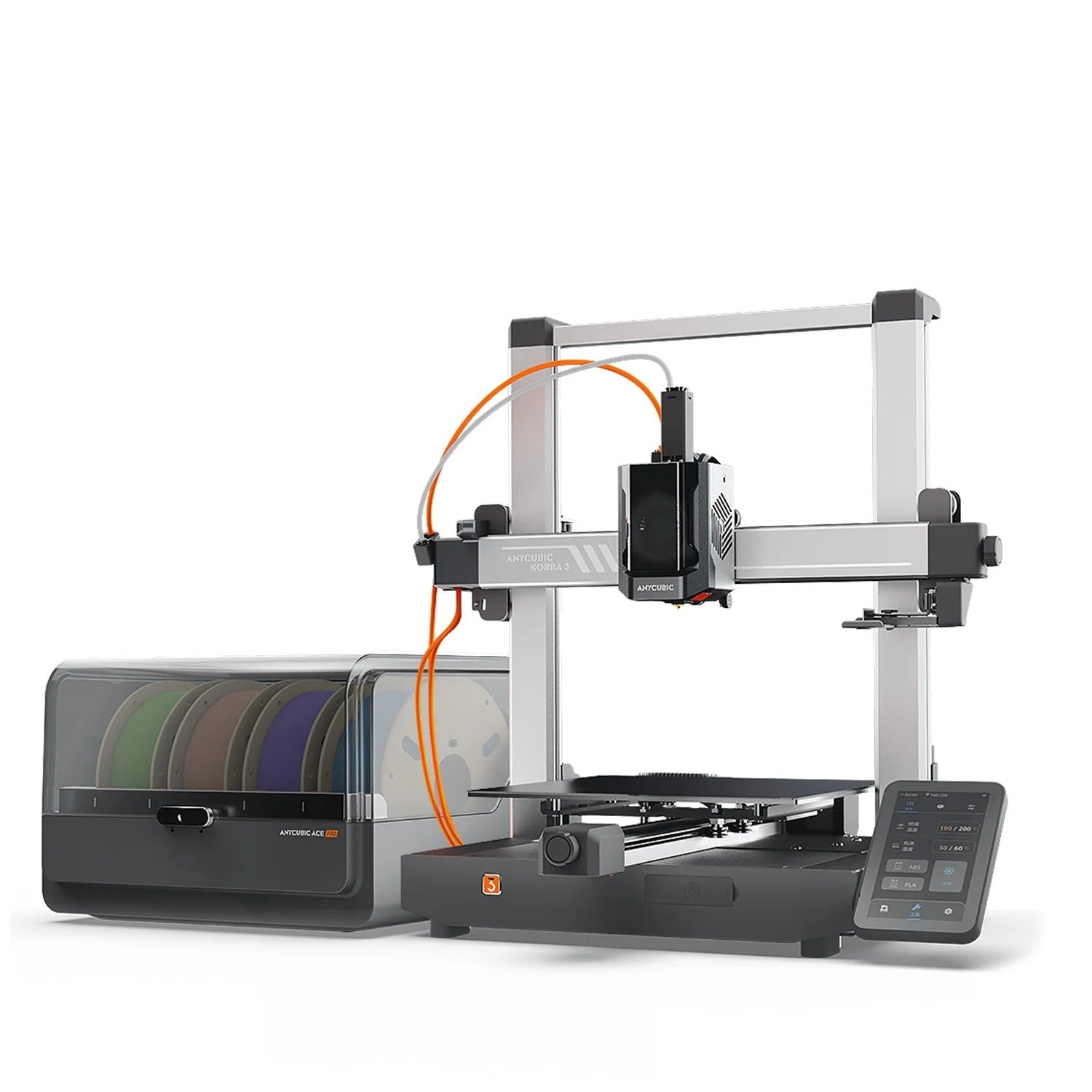
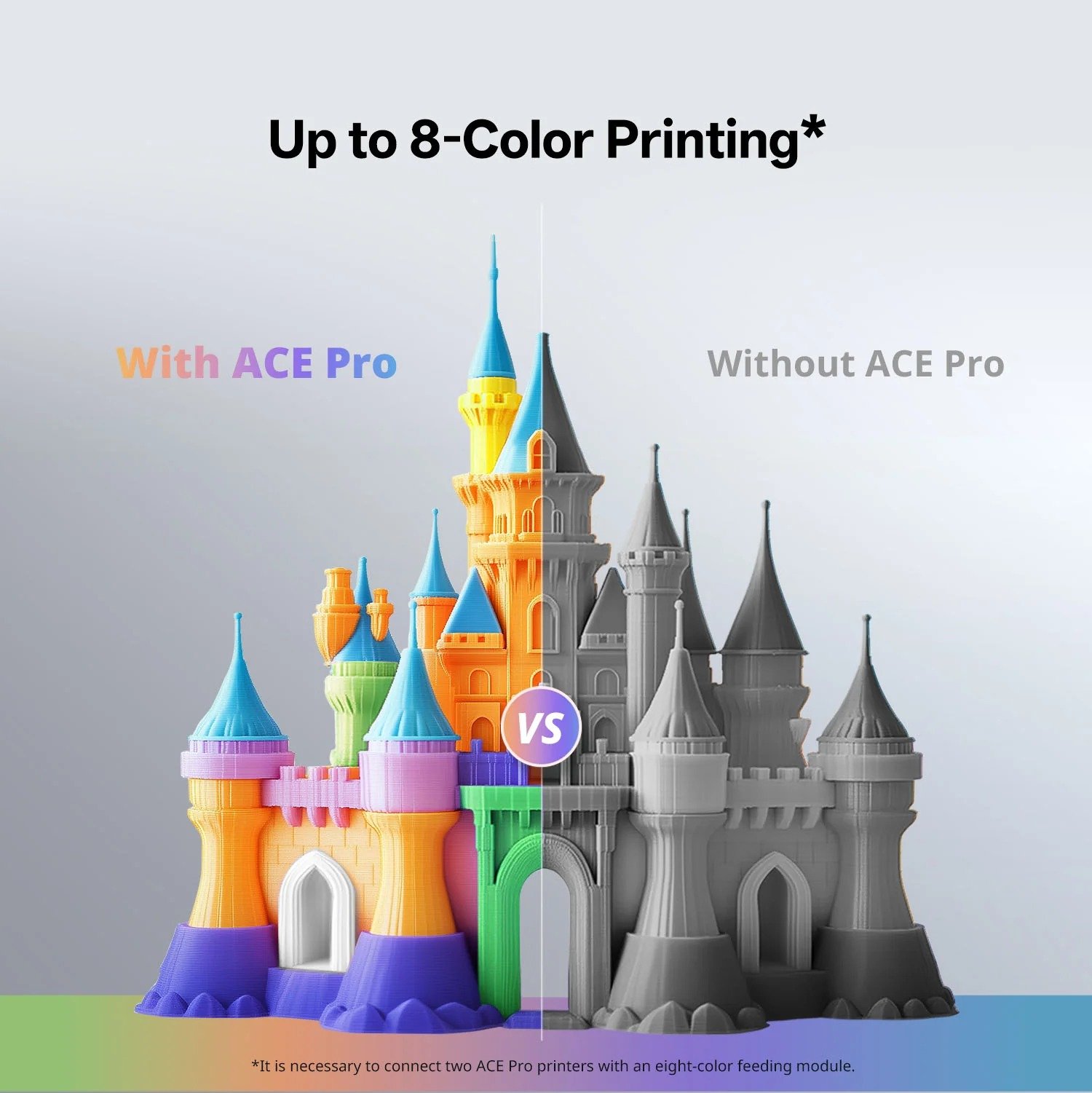
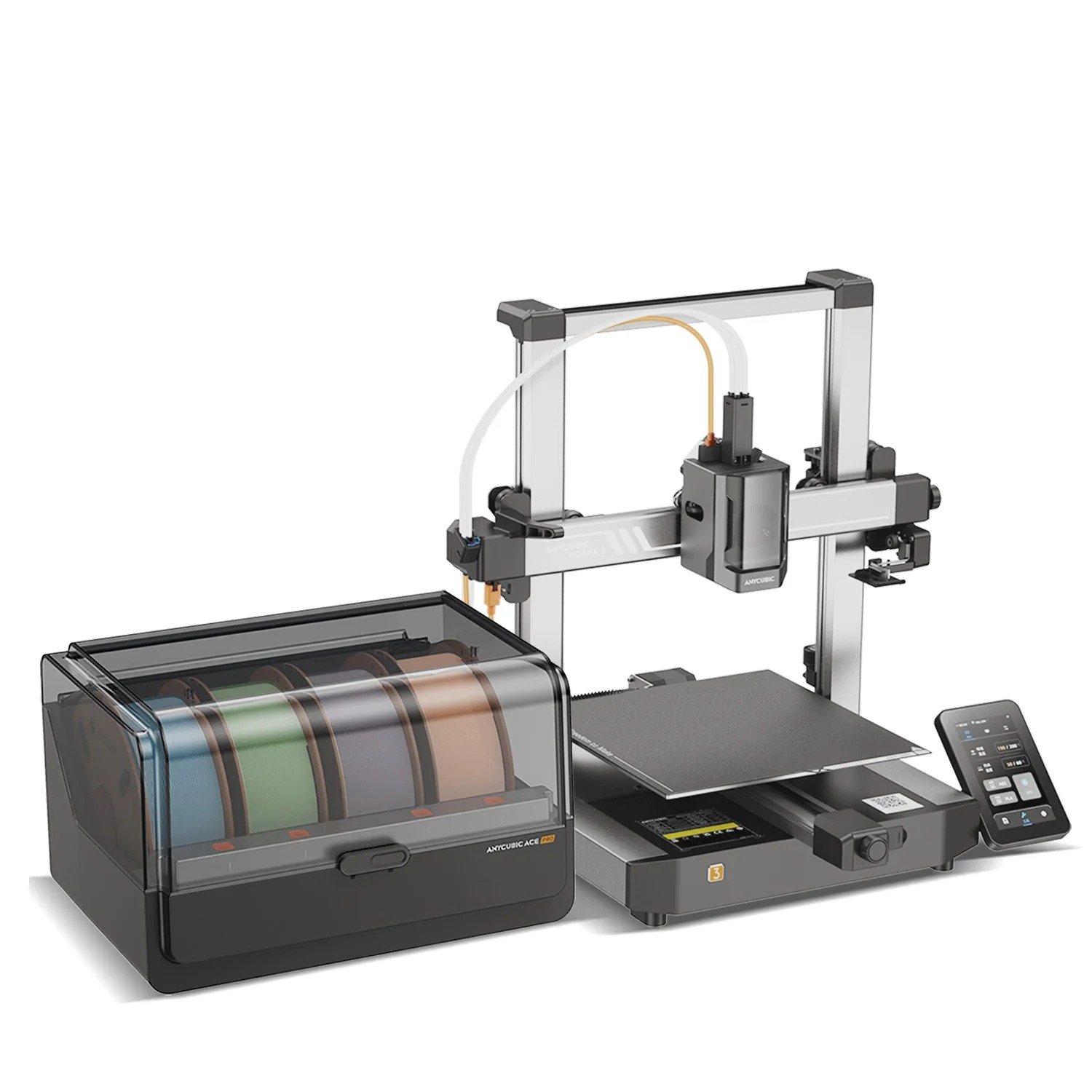
Up to 8-Color Printing
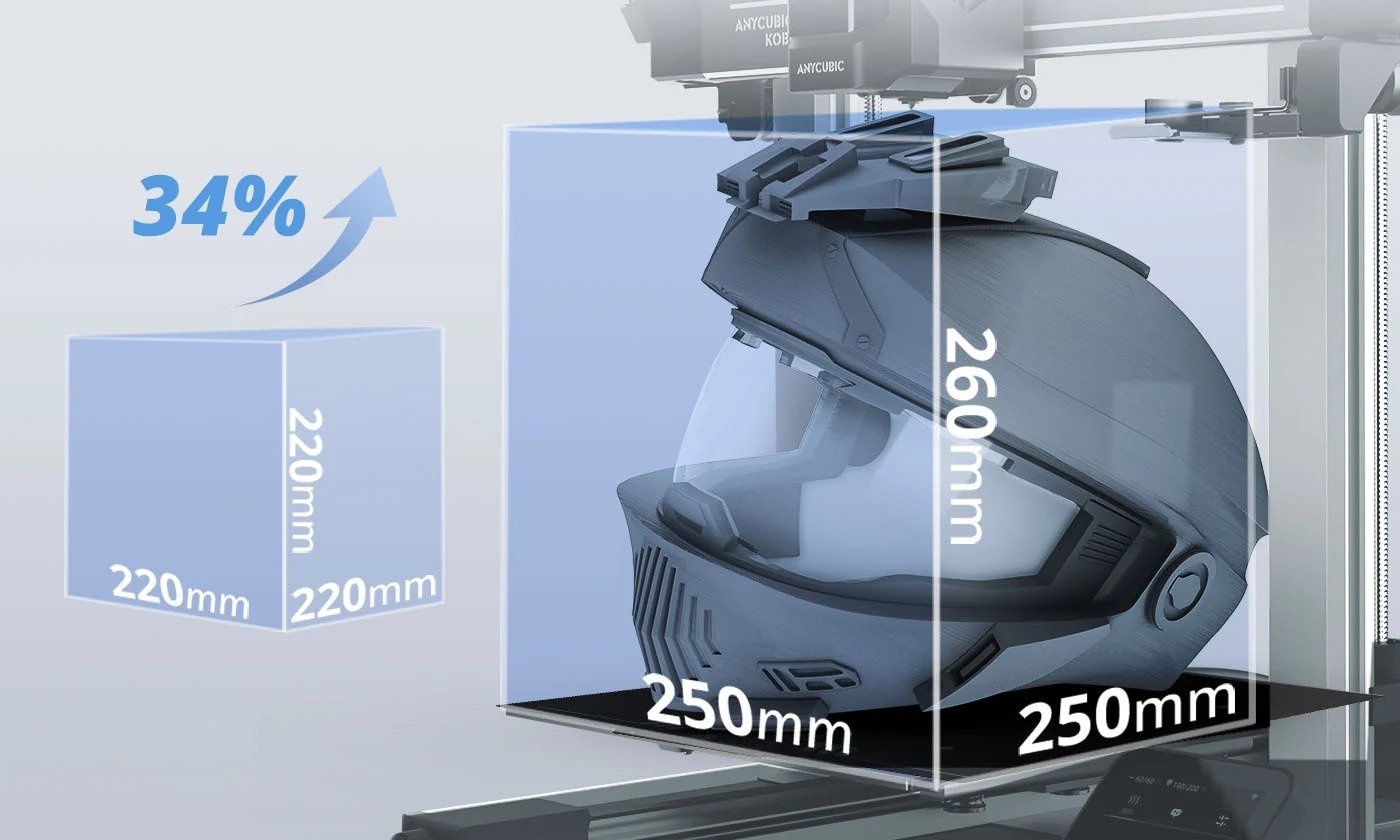
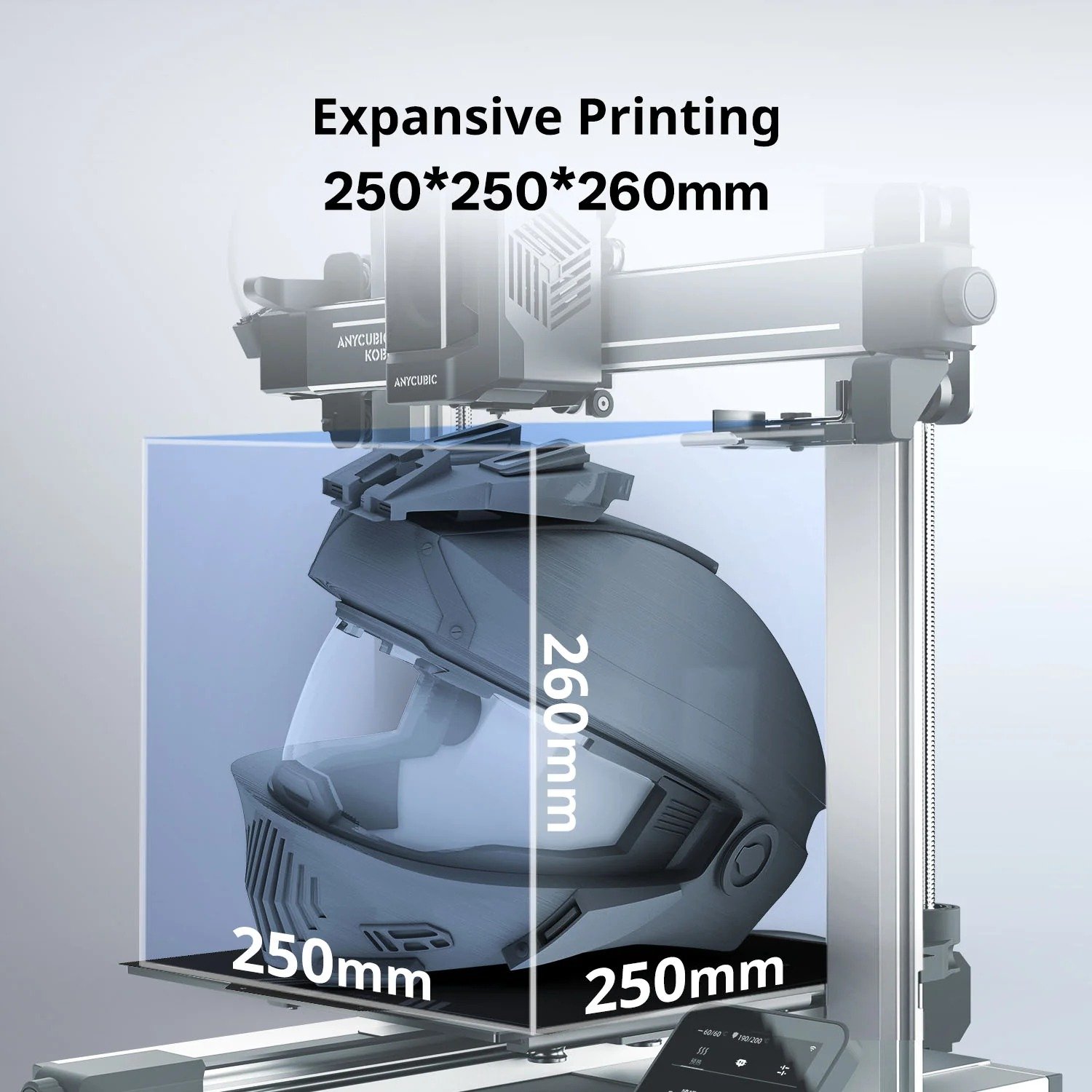
Expansive Printing 250*250*260mm
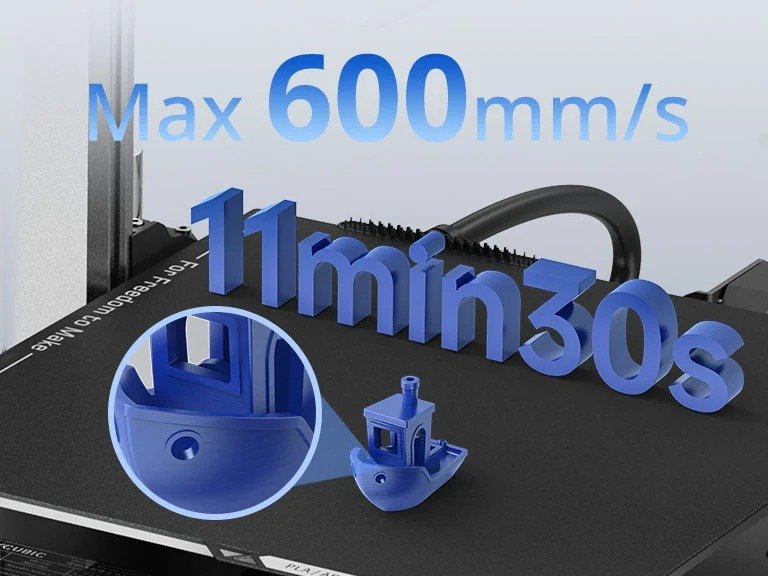
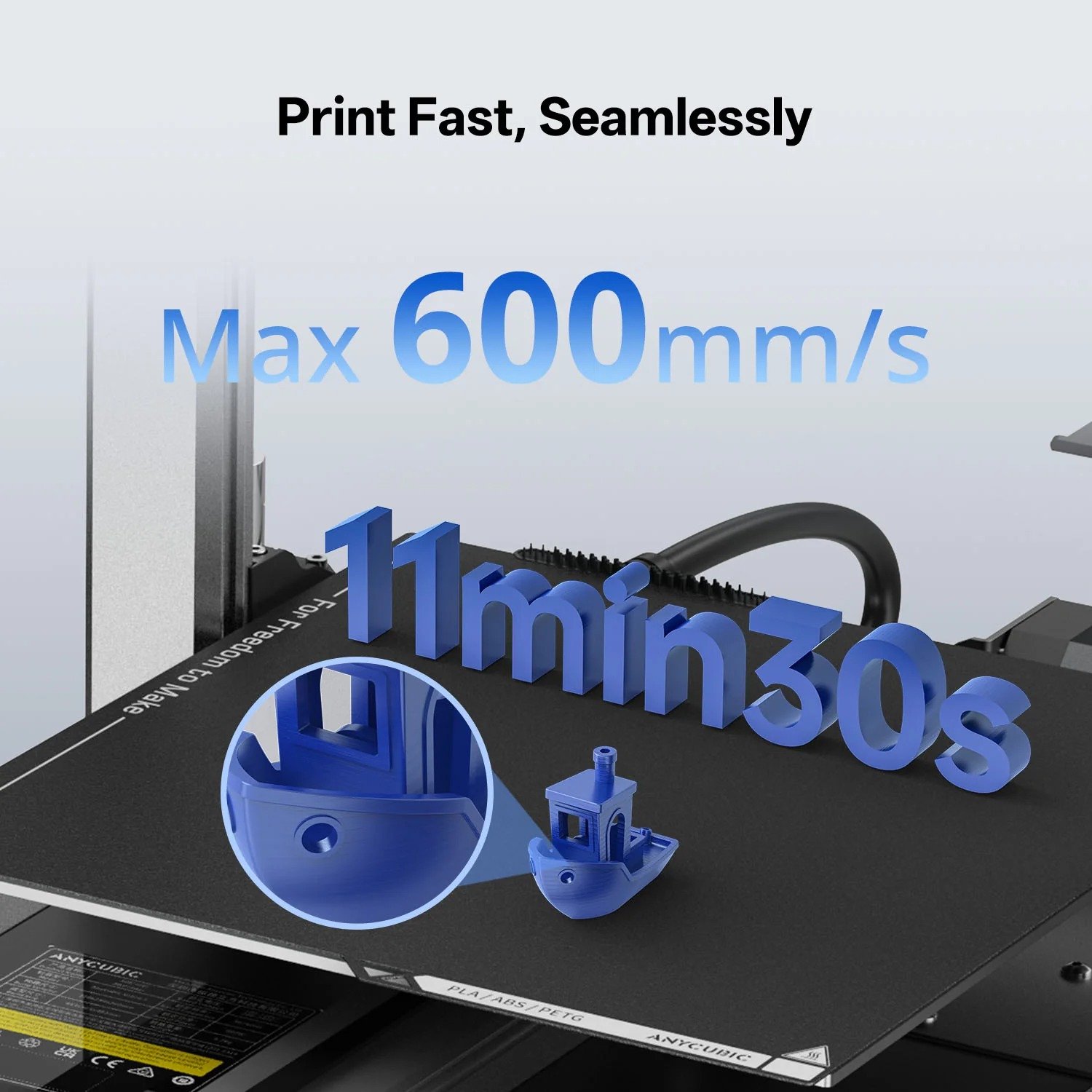
Print Fast, Seamlessly

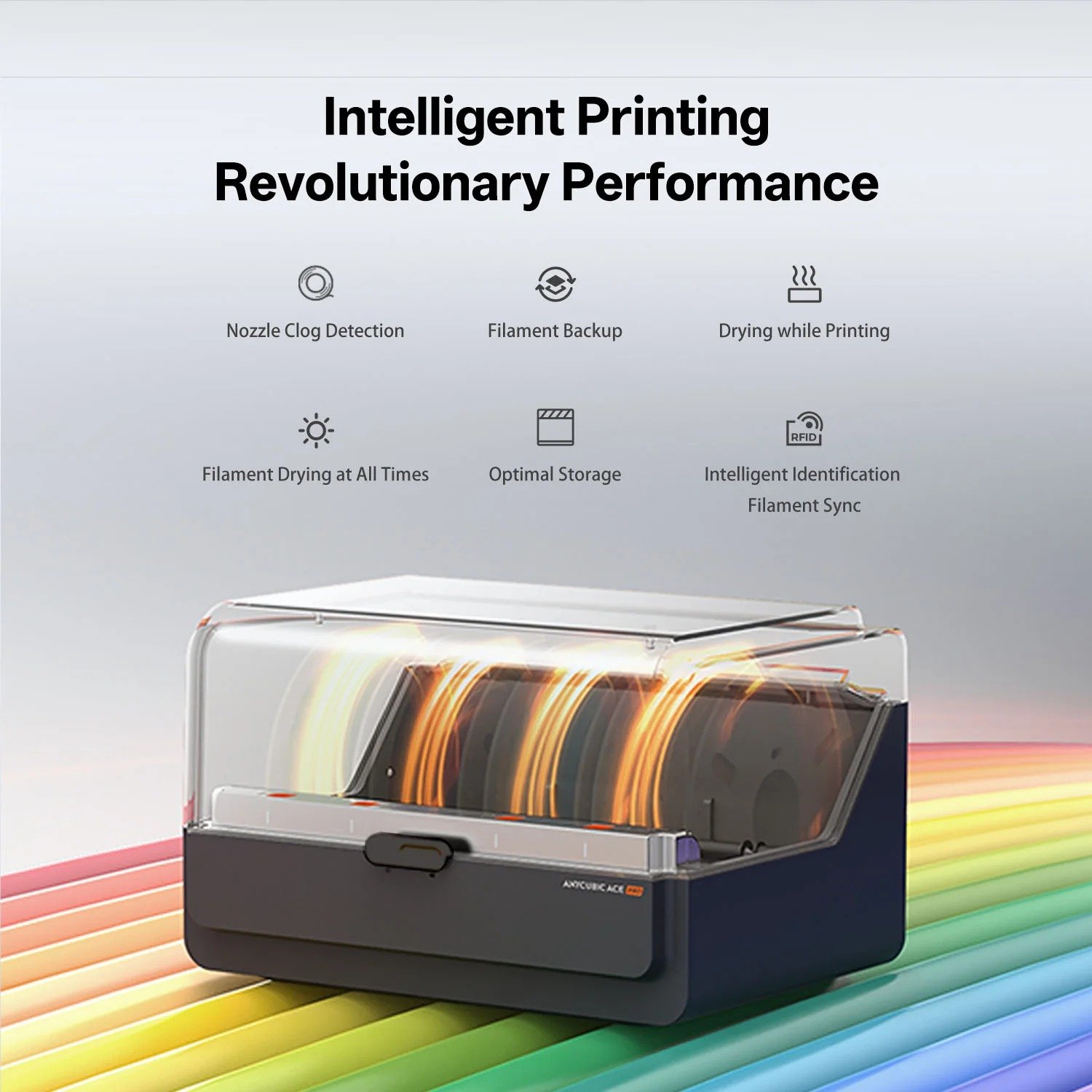
Intelligent Printing. Revolutionary Performance

LeviQ 3.0 Auto Leveling & Z-Offset
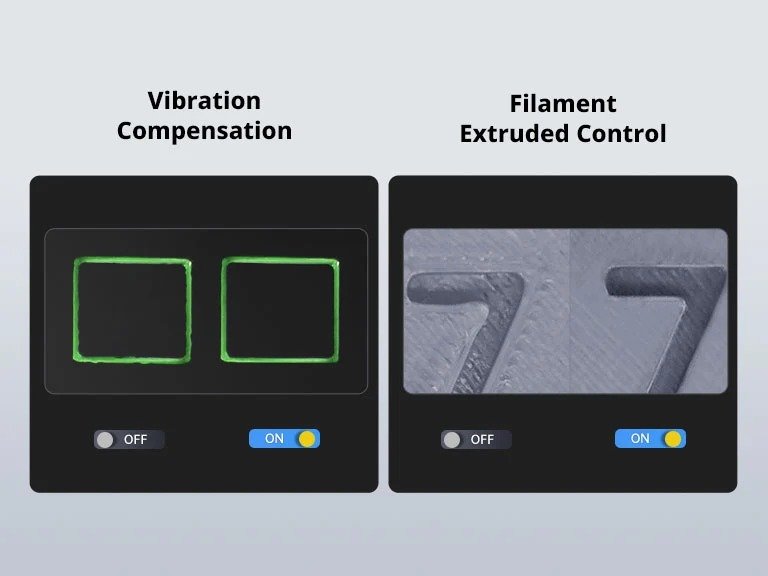
Resonance Compensation & Flow Correction
Innovation Deep-Dive
Drying while Printing

Filament Backup

Nozzle Clog Detection
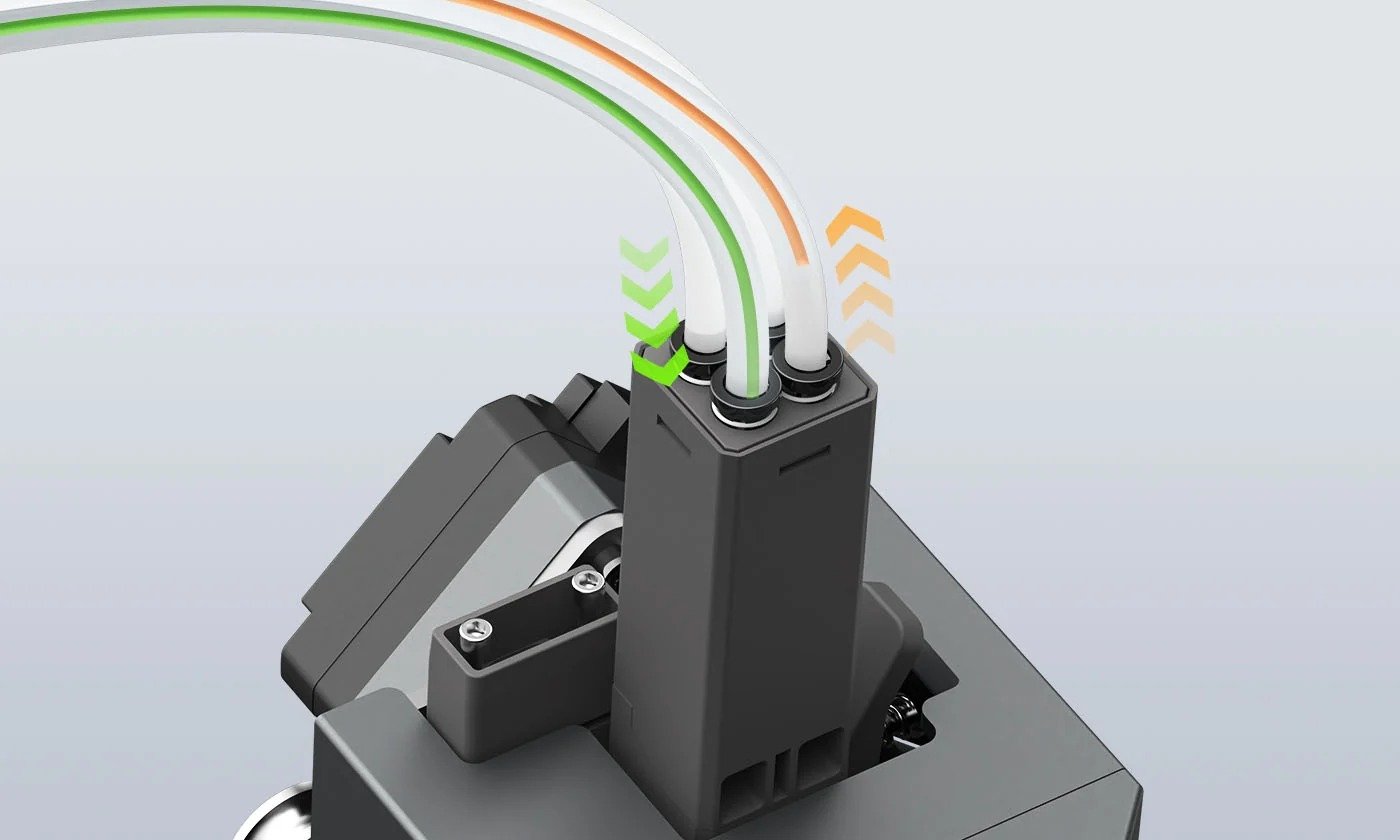
Filament Drying at All Times

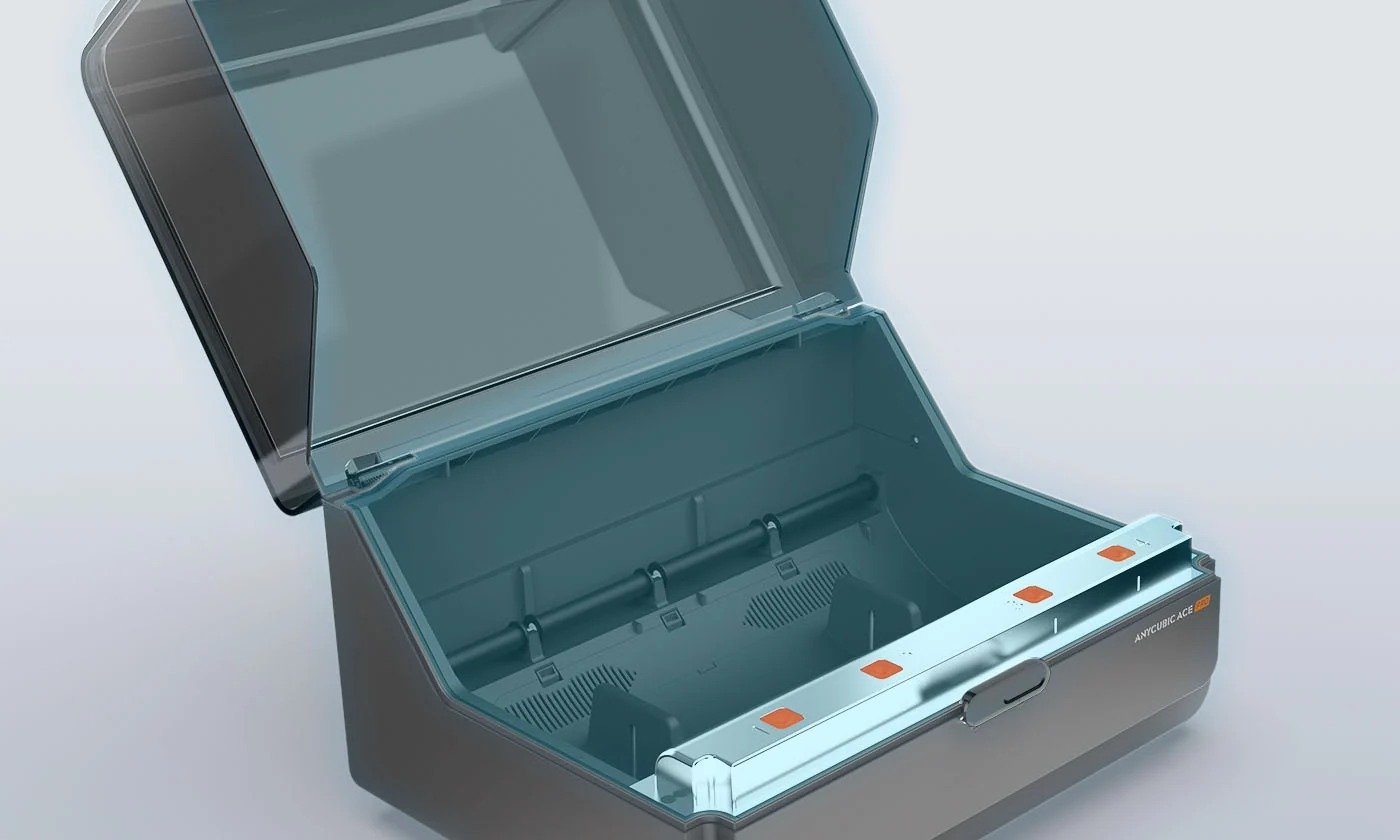
Optimal Storage
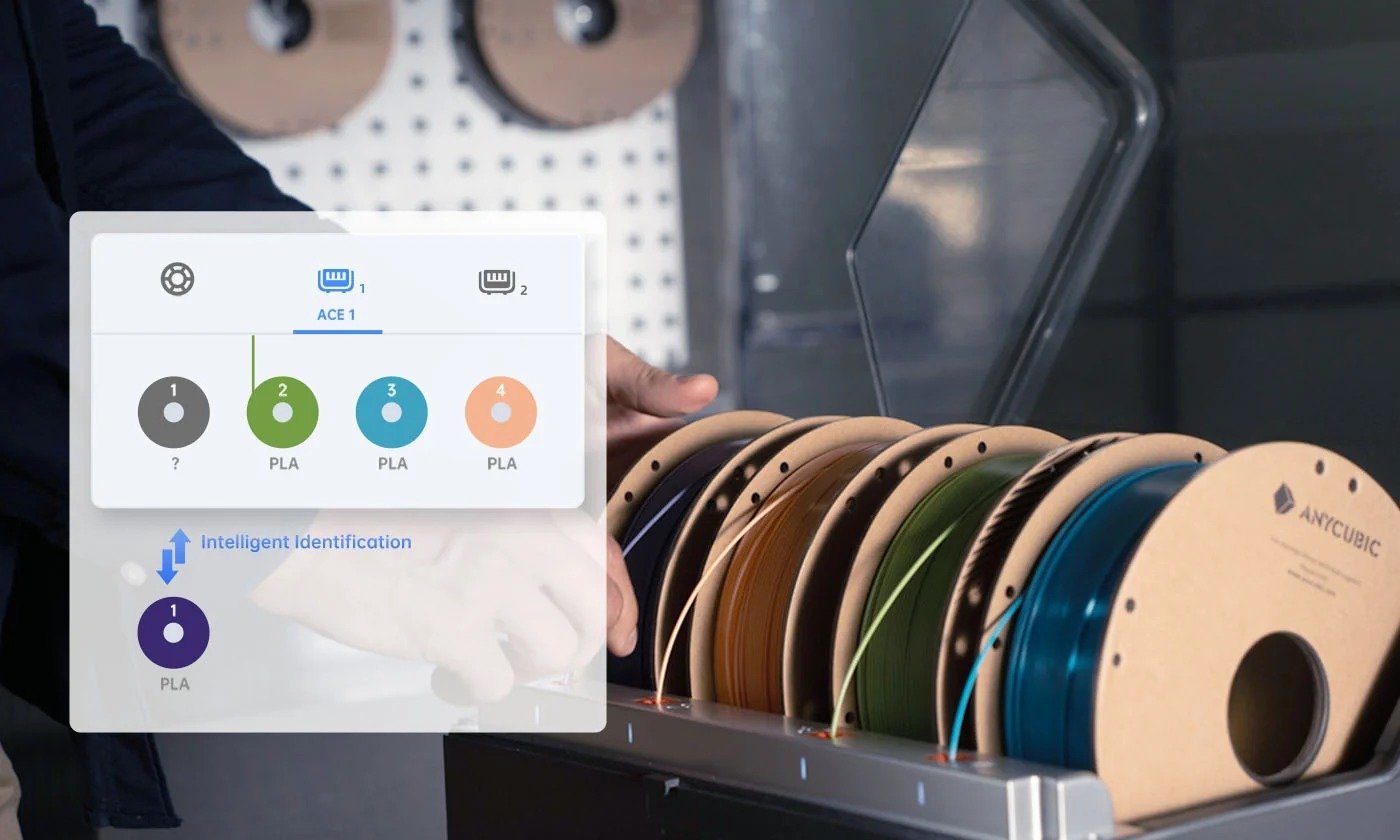
Intelligent Identification Filament Sync
Resonance Compensation & Flow Correction

LeviQ3.0 Auto-Leveling & Z-axis Offset

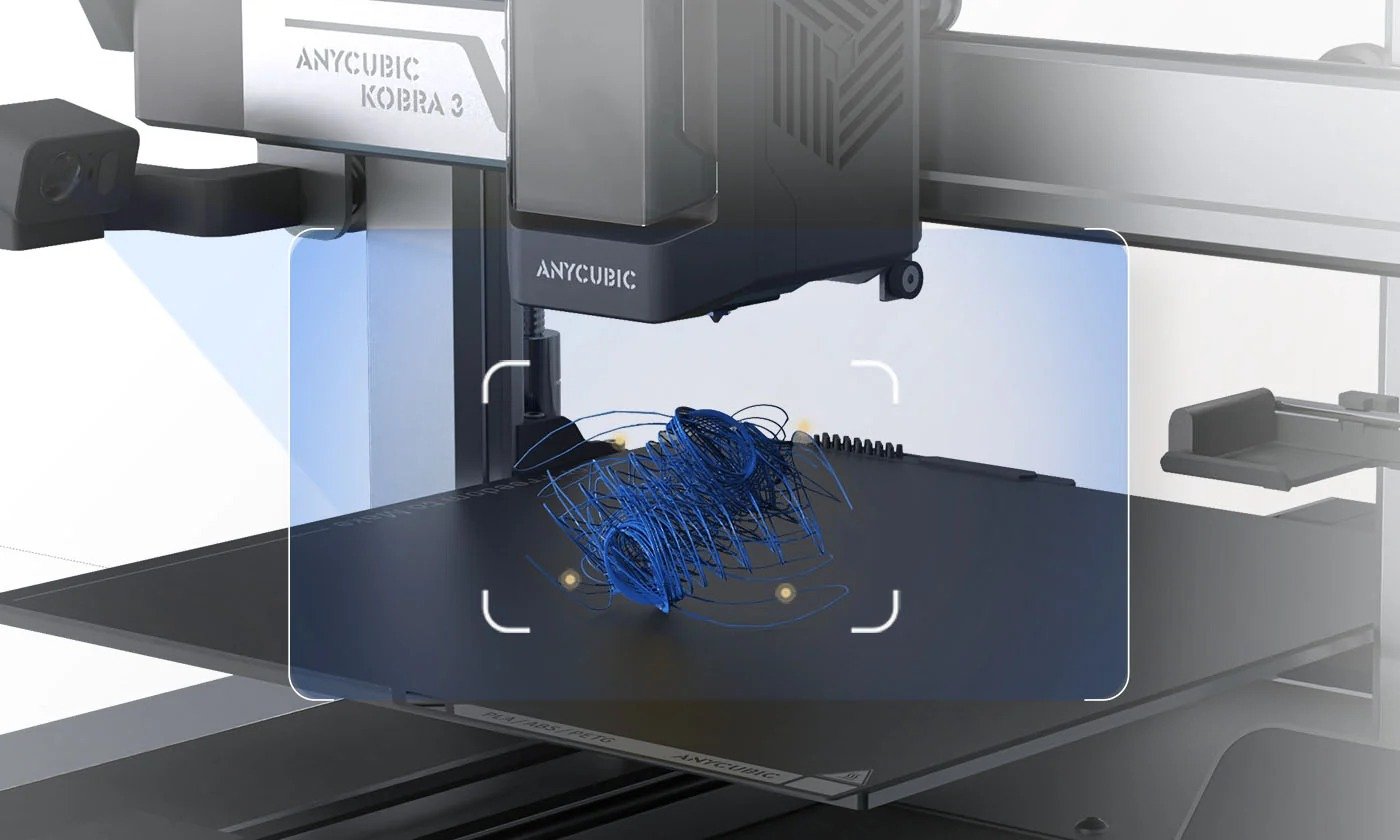
AI Monitoring② & Auto Resume Prints
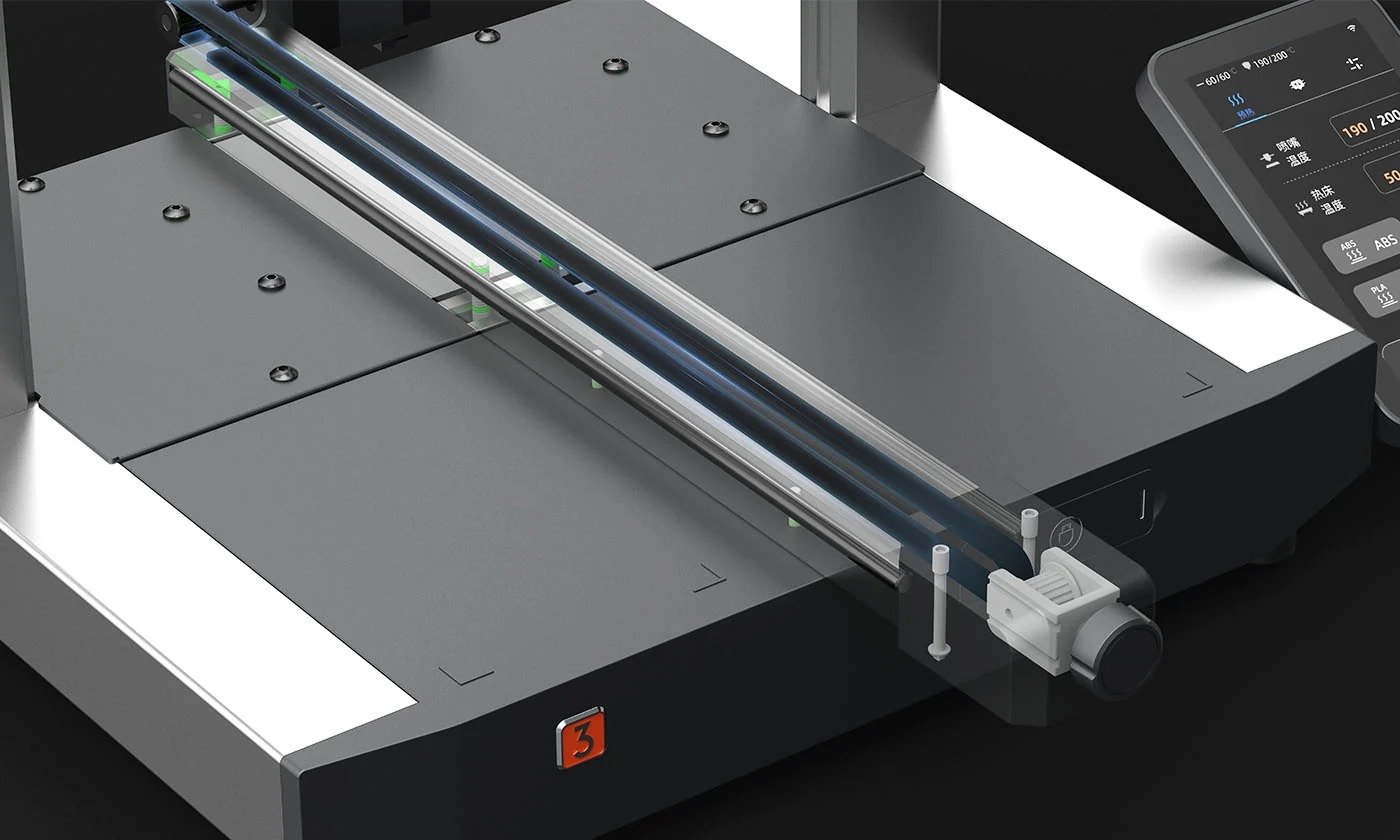
Adjust Belts Conveniently
Easy installation with only two ports connected
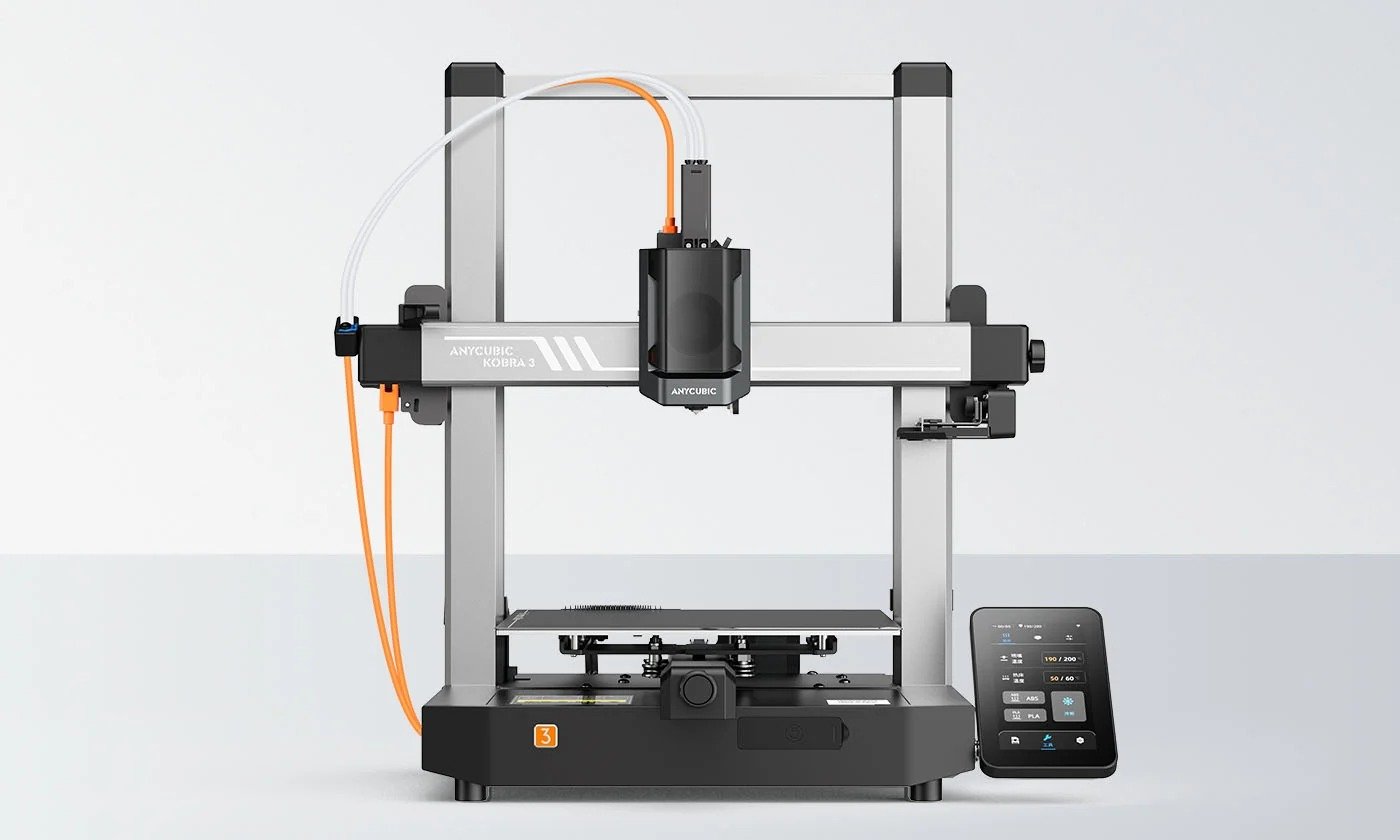
The 4.3-inch touchscreen features a customizable tilt of 30° to 60°

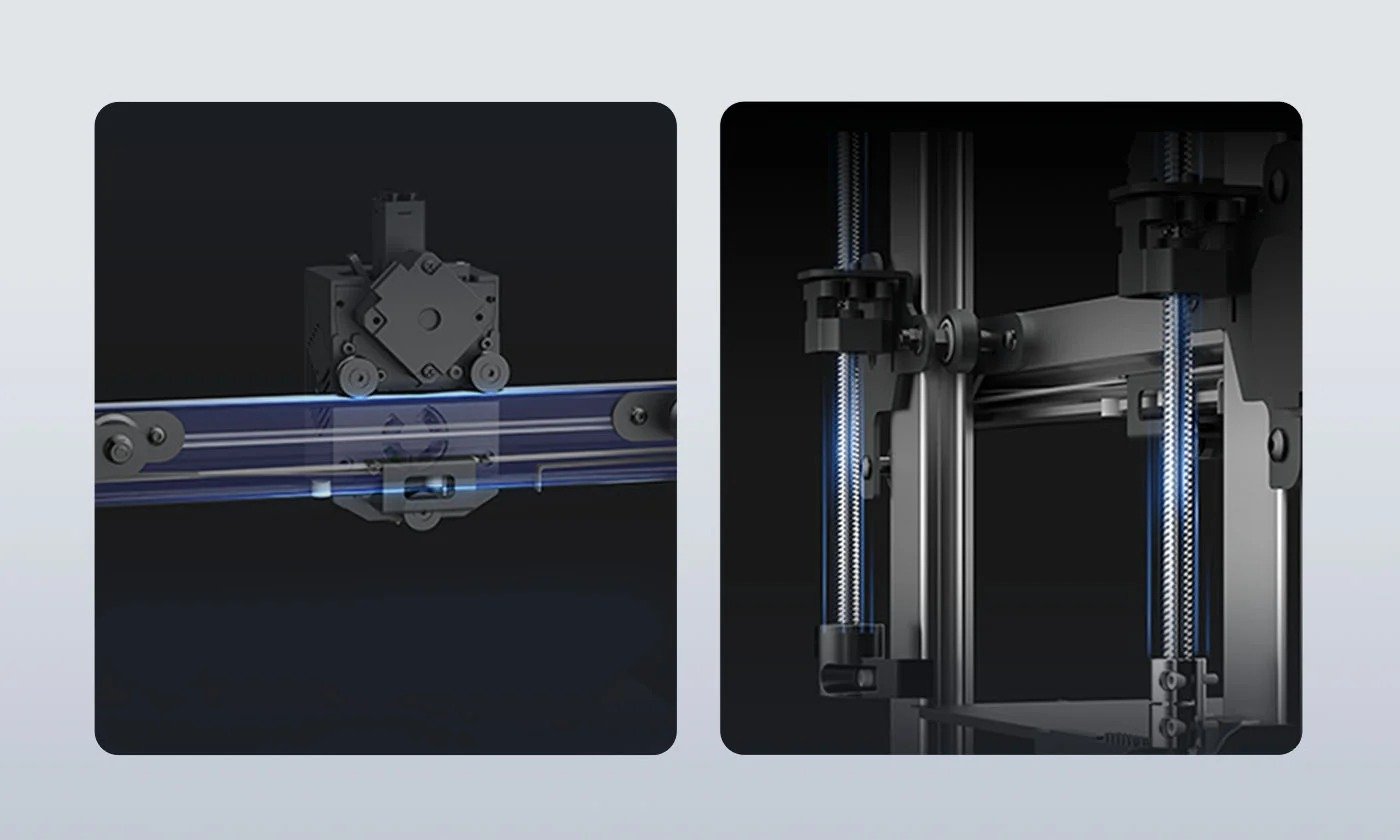
SG15 Bearings and Dual-axis Core and Dual-Z-axis
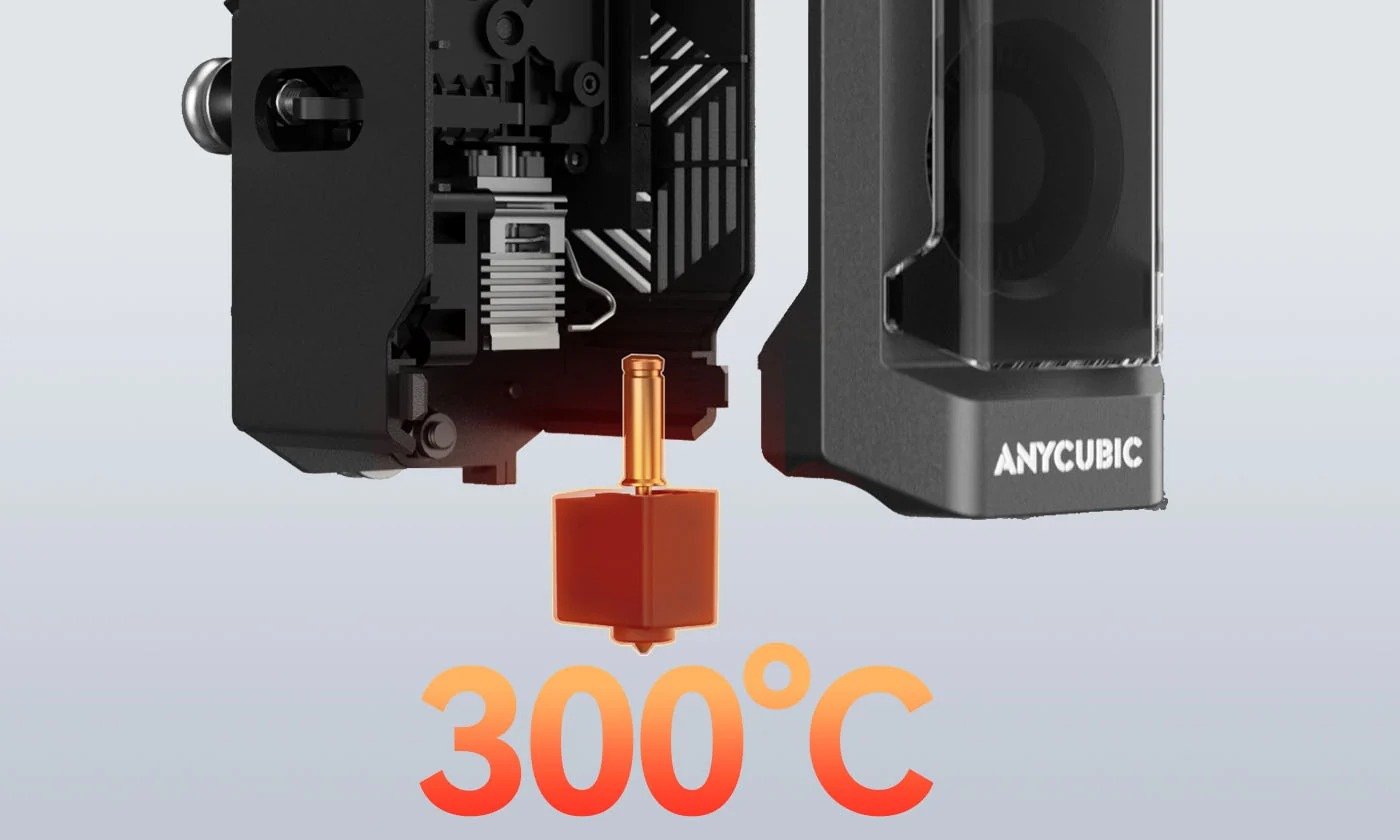
300℃ Quick-release Hotend
Core Printing Performance
| Multicolor Printing | Supports 4- or 8-color Printing |
| Printing Volume | 250*250*260mm³ |
| Supporting Filaments | PLA/PETG/TPU (TPU is not compatible with the ACE Pro) |
| Printing Speed | Recommended 300 mm/s, Maximum 600 mm/s |
| Acceleration | Recommended 10,000 mm/s², Maximum 20,000 mm/s² |
| Nozzle Specs | Max Temperature 300°C, Diameter Standard 0.4 mm, expandable to 0.6 / 0.8 mm |
| Hotbed Specs | Max Temperature 110°C, Material PEI Spring Steel Build Plate |
System & Structural Design
| Firmware Solution | Kobra OS |
| Construction | Gantry System |
| Extrusion Type | Direct Drive (short distance extrusion) |
| Motion System X-axis | Dual Shaft Core + SG15 Bearings |
| Motion System Y-axis | Dual Shaft Core + SG15 Bearings |
| Motion System Z-axis | Single Motor with Three Guide Rods |
| Machine Leveling | LeviQ3.0 Auto-leveling, Z-Offset |
| Pressure Advance / Flow Calibration | – |
| Power Loss Resume | Supported |
| Filament Detection & Auto Resume | Supported |
| Filament Entanglement Detection | Supported |
| AI Spaghetti Detection | Supported |
| Object-Skip & Area Leveling | Supported |
| Control & Print Methods | Via Printer, Slicing Software, Anycubic APP, USB (print only) |
User Experience & Features
| Touchscreen | 4.3-inch Capacitive Touch Screen |
| Noise | – |
| Video Monitoring | Optional 720P HD Camera |
| Multilingual Support | EN / CN / DE / FR / IT / ES / RU / JP |
| Machine Weight | Kobra 3 V2 – 9.2kg, ACE Pro – 4.6kg |
| Package Weight | Kobra 3 – 12kg, ACE Pro – 5.7kg |
| Machine Dimensions | Kobra 3 452.9*504.7*483mm³, ACE Pro 365.94*282.84*234.5mm³ |
| Packaging Dimensions | 500*500*550mm³ |
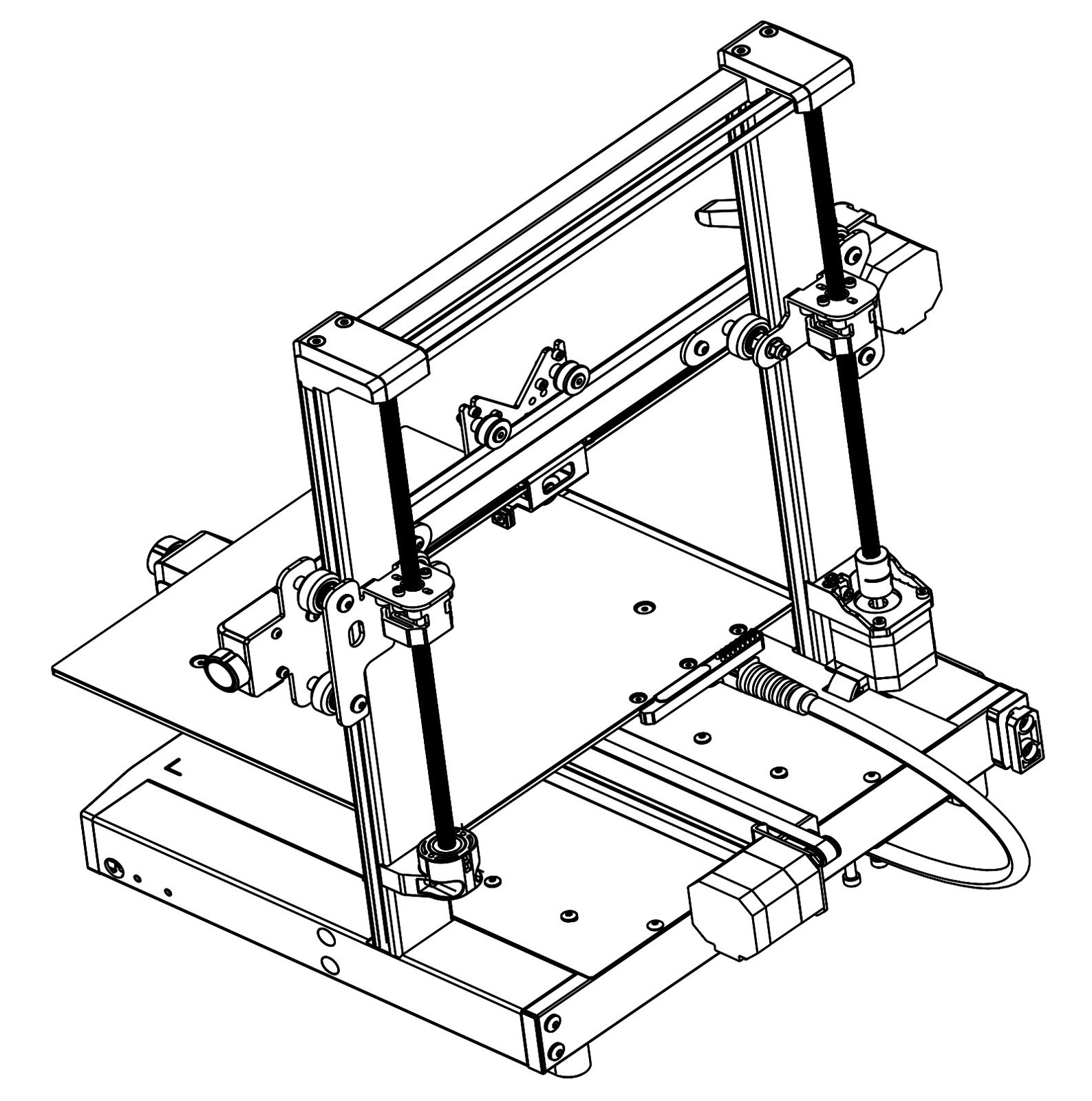
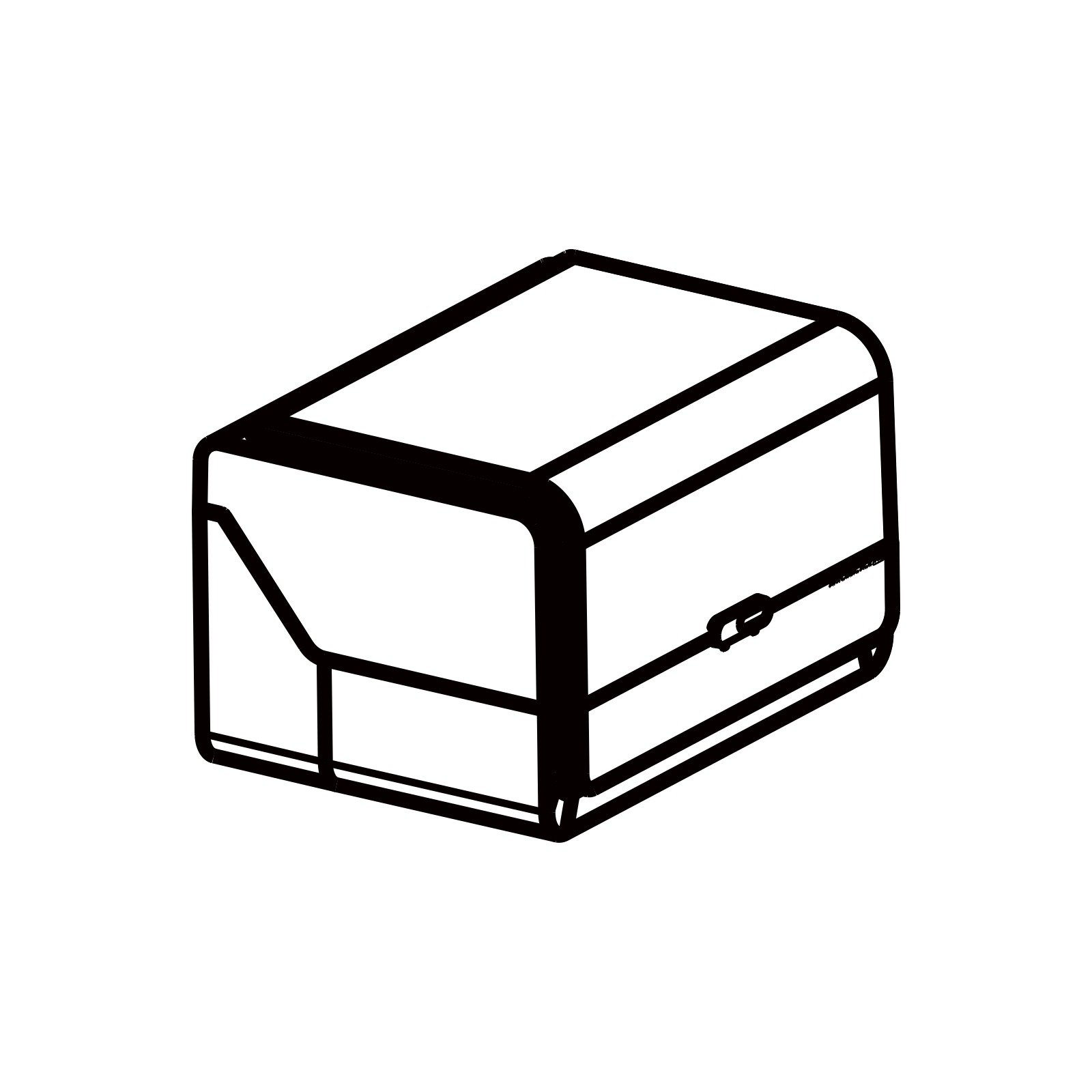
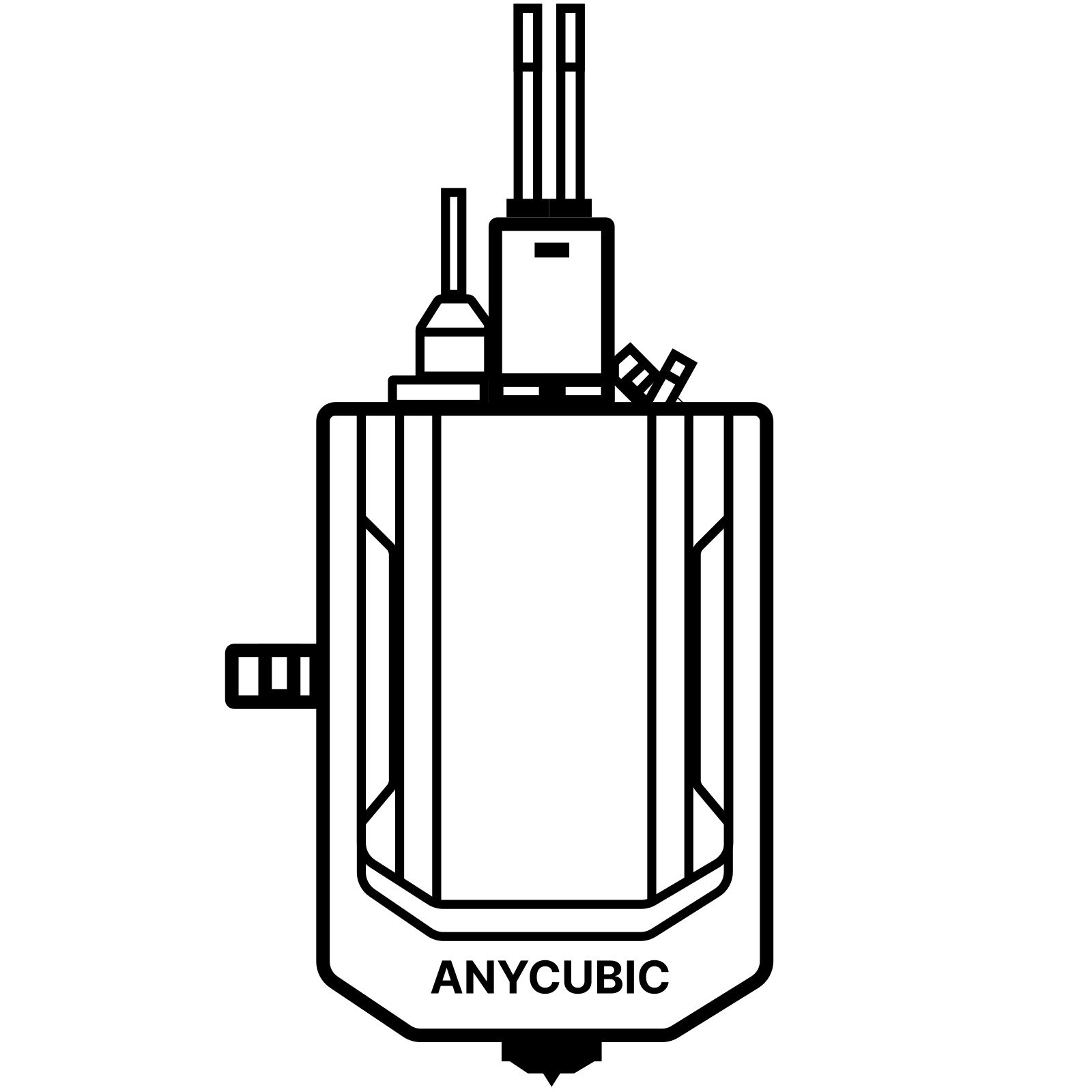






| Features / Specs | Anycubic Kobra 3 Combo | Anycubic Kobra 3 |
|---|---|---|
| Multicolor Printing | Supports 4- or 8-color Printing | Sold Separately |
| Printing Volume | 250*250*260mm³ | 250*250*260mm³ |
| Supporting Filaments | PLA/PETG/TPU (TPU is not compatible with the ACE Pro) | PLA/PETG/TPU |
| Printing Speed | Recommended 300 mm/s, Maximum 600 mm/s | Recommended 300 mm/s, Maximum 600 mm/s |
| Acceleration | Recommended 10,000 mm/s², Maximum 20,000 mm/s² | Recommended 10,000 mm/s², Maximum 20,000 mm/s² |
| Nozzle Specs | Max Temperature 300°C, Diameter Standard 0.4 mm, expandable to 0.6 / 0.8 mm | Max Temperature 300°C, Diameter Standard 0.4 mm, Expandable to 0.6 / 0.8 mm |
| Hotbed Specs | Max Temperature 110°C, Material PEI Spring Steel Build Plate | Max Temperature 110°C, Material PEI Spring Steel Build Plate |
| Firmware Solution | Kobra OS | Kobra OS |
| Construction | Gantry System | Gantry System |
| Extrusion Type | Direct Drive (short distance extrusion) | Direct Drive (short distance extrusion) |
| Motion System X-axis | Dual Shaft Core + SG15 Bearings | Dual Shaft Core + SG15 Bearings |
| Motion System Y-axis | Dual Shaft Core + SG15 Bearings | Dual Shaft Core + SG15 Bearings |
| Motion System Z-axis | Single Motor with Three Guide Rods | Single Motor with Three Guide Rods |
| Machine Leveling | LeviQ3.0 Auto-leveling, Z-Offset | LeviQ3.0 Auto-leveling, Z-Offset |
| Pressure Advance / Flow Calibration | – | – |
| Power Loss Resume | Supported | Supported |
| Filament Detection & Auto Resume | Supported | Supported |
| Filament Entanglement Detection | Supported | Supported |
| AI Spaghetti Detection | Supported | Supported |
| Object-Skip & Area Leveling | Supported | Supported |
| Control & Print Methods | Via Printer, Slicing Software, Anycubic APP, USB (print only) | Via Printer, Slicing Software, Anycubic APP, USB (print only) |
| Touchscreen | 4.3-inch Capacitive Touch Screen | 4.3-inch Capacitive Touch Screen |
| Noise | – | – |
| Video Monitoring | Optional 720P HD Camera | Optional 720P HD Camera |
| Multilingual Support | EN / CN / DE / FR / IT / ES / RU / JP | EN / CN / DE / FR / IT / ES / RU / JP |
| Machine Weight | Kobra 3 V2 – 9.2kg, ACE Pro – 4.6kg | 9.2kg |
| Package Weight | Kobra 3 – 12kg, ACE Pro – 5.7kg | 12kg |
| Machine Dimensions | Kobra 3 452.9*504.7*483mm³, ACE Pro 365.94*282.84*234.5mm³ | 452.9*504.7*483mm³ |
| Packaging Dimensions | 500*500*550mm³ | 540*490*290mm³ |
What do the ①②③ annotations in the product details mean?
The numbered annotations on the product page correspond to the following explanations:
① It is necessary to connect two ACE Pro printers with an eight-color feeding module.
② Work with the cam
③ To select models from Makeronline and utilize the Anycubic Slicer slicing software, you must access a PC that already has the software installed.
What kind of filament does Kobra 3 support?
The Kobra 3 supports PLA, PETG and TPU. TPU is only suitable for single-color printing and is not suitable for printing with ACE Pro.
The ACE Pro supports PLA, PETG, ABS, ASA, PET, PA, PC, PP, HIPS.
The Kobra 3 supports most 1KG filaments with the following specifications: outer diameter ranging from 195-200mm, spool thickness between 60-68mm, and outer wall thickness of 3-3.5mm. Also don’t forget to check whether the printing temperature of the consumables is within the temperature range supported by the print head of our machine.
What kind of slicer is compatible with Kobra 3 Combo? Does the Anycubic slicer support open source? Is Kobra 3 Combo compatible with Prusa slicer, Orca slicer or other slicer?
The new version of Anycubic Slicer is now compatible with the Kobra 3 Combo printer. You can download it from the Anycubic official website or by clicking the following link.Anycubic Slicer is now open source.We support Cura, OrcaSlicer or other third-party slicing software for multicolor slicing, but highly recommend using Anycubic slicing software for a better multi-color printing experience! After switching to Orca, it can be supported. For more details, please kindly check here.
Can the ACE Pro be used with filaments without Intelligent Identification?
Yes. The ACE Pro can precisely detect Intelligent Identification filaments, automatically optimizing printer settings for the best results. If users use filaments without Intelligent Identification, the ACE Pro will not automatically recognize the material and color, users need to switch colors manually when printing.
Is the ACE Pro compatible with other printers?
Anycubic official will do further adaptation development, please continue to pay attention to our official announcements.
How to print in multicolor? Can I print in 4 colors with the Kobra 3 if I don’t have the ACE Pro?
The Multi-color Printing Guide has been updated in Anycubic official Wiki, please kindly check it here.It isn’t able to print in multicolor whitout ACE Pro.
How can I print in 8 colors?
Anycubic Slicer Next 1.1.1 for Windows has been released, it requires a firmware update to version V2.3.3.9_1.1.6_1.1.6 for compatibility, the latest firmware now fully supports eight-color printing. Please click here to download. Also eight-color printing requires two ACE Pro.
Can the ACE Pro be installed on either the left or right side of the Kobra 3?
We highly recommend installing the ACE Pro device on the left side of the Kobra 3 printer. This suggestion is based on the design specifications of the Teflon tube and hub accessories, which are optimized for placement on the left side.Placing the ACE Pro device on the right side may potentially interfere with the smooth advancement of the filament, leading to irregular filament feed. Therefore, to ensure optimal performance and functionality, we advise adhering to the left side installation.
Can the ACE Pro operate independently to dry filaments without control from the Kobra 3?
No. The ACE Pro includes heating elements for drying, but it is controlled by the Kobra 3, it cannot be used independently without the control of the Kobra 3.
What type of nozzle does the Kobra 3 use?
Our standard nozzle diameter is 0.4mm and it is made of brass, The nozzle diameters of Kobra 3 also supports 0.6mm and 0.8mm.
How to install the Camera to the Kobra 3?
Please kindly check the installation guide here.
What language does Kobra 3 support?
The Kobra 3 supports English, Chinese, German, French, Italian, Spanish, Russian, Japanese.