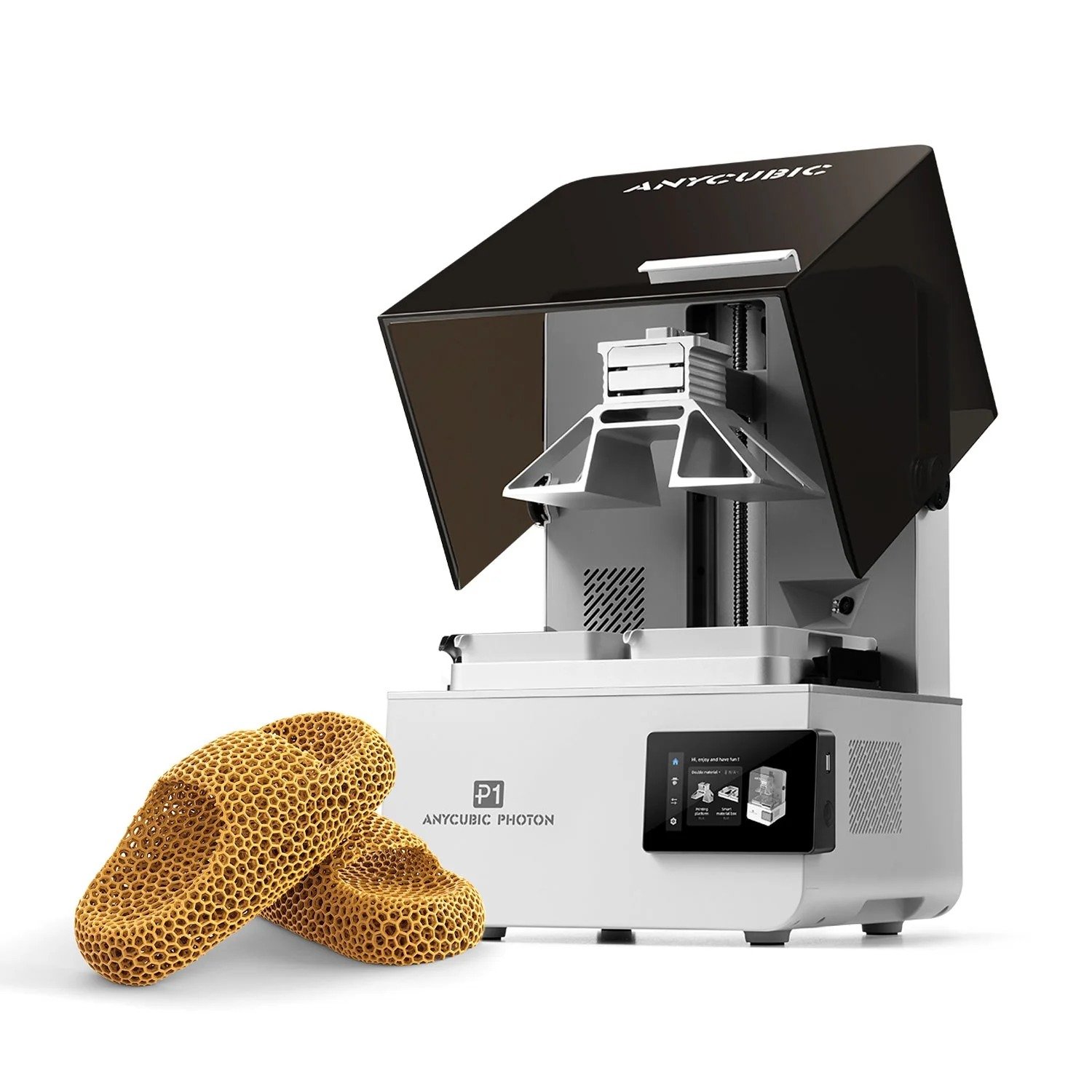
Description
Key Feature Highlights
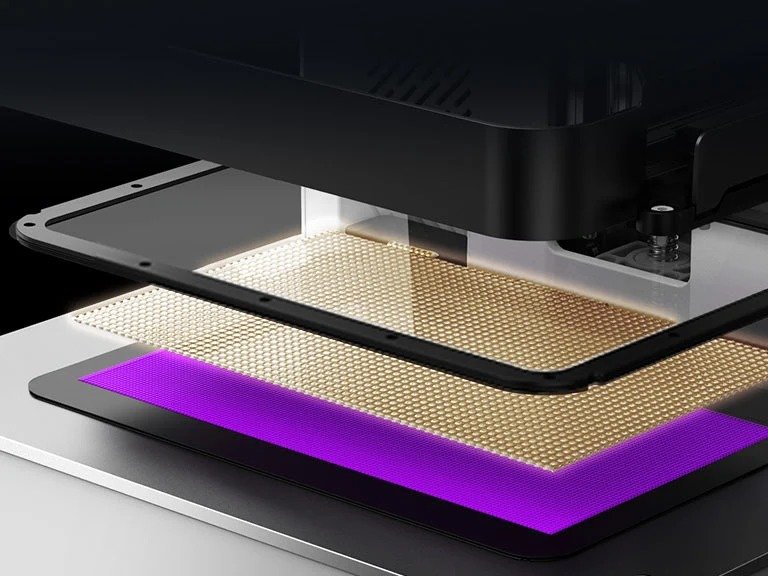
Wave Release Technology
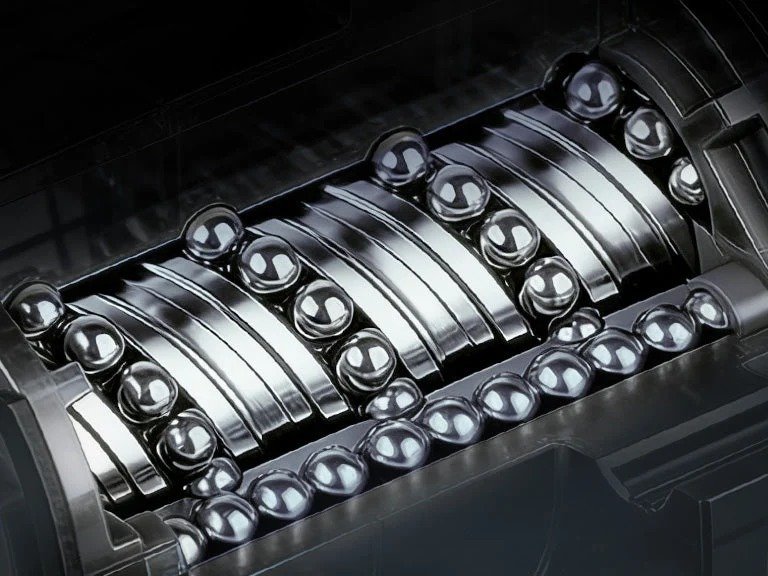
Precision-Fitted Industrial-Grade Ball Screw
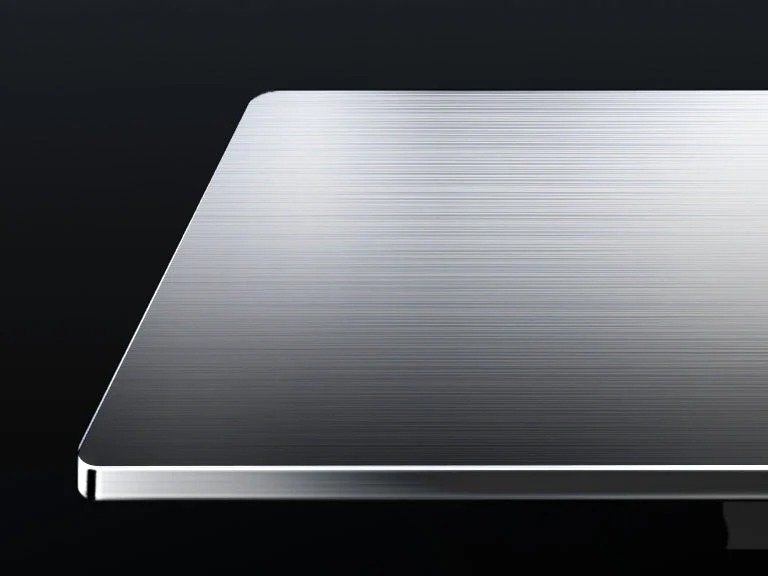
Precision-Ground Steel Build Plate
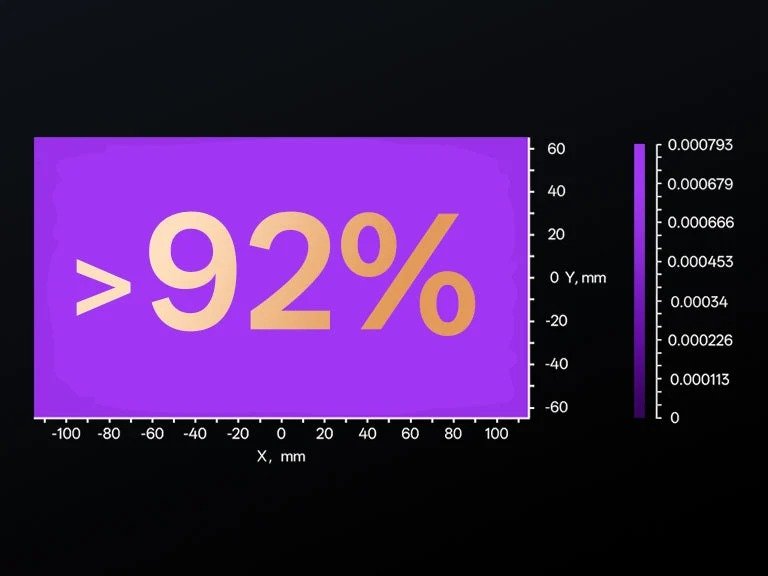
Light Uniformity >92%
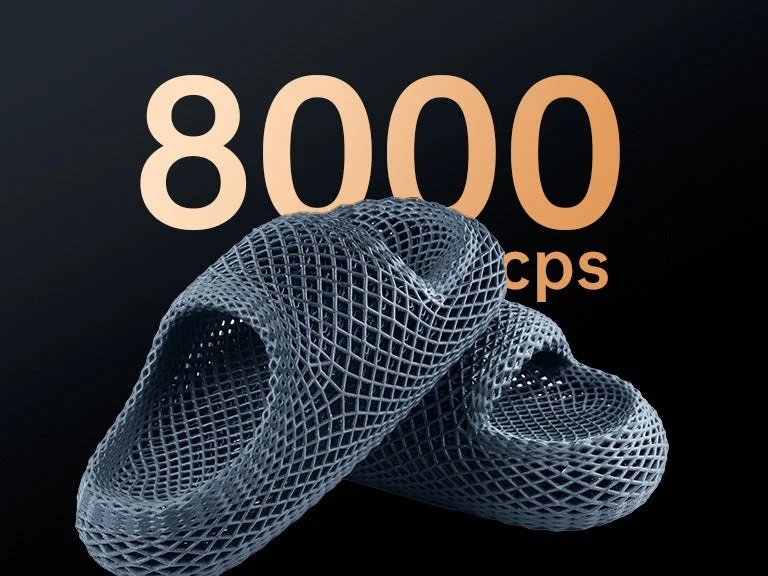
Engineered for Ultra-Viscous 8000cps Resin
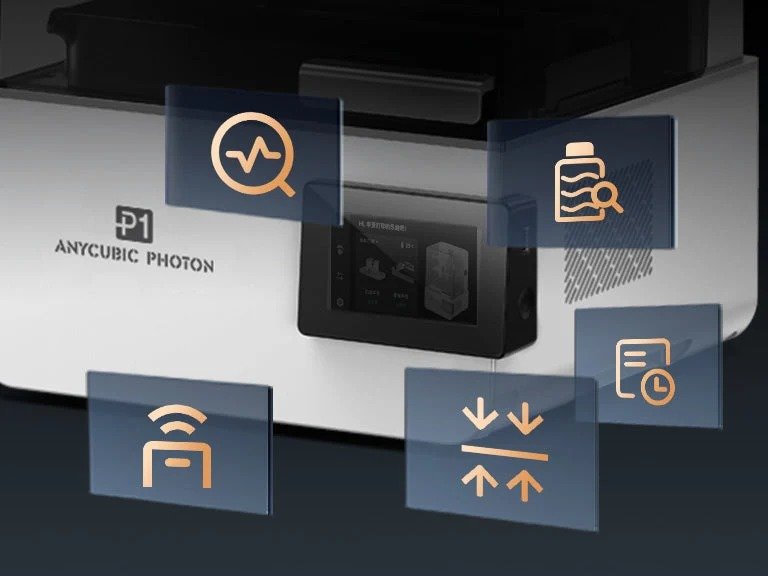
Intelligent Printing Assistant 3.0
Innovation Deep-Dive
Factory Calibration
Prints right out of the box
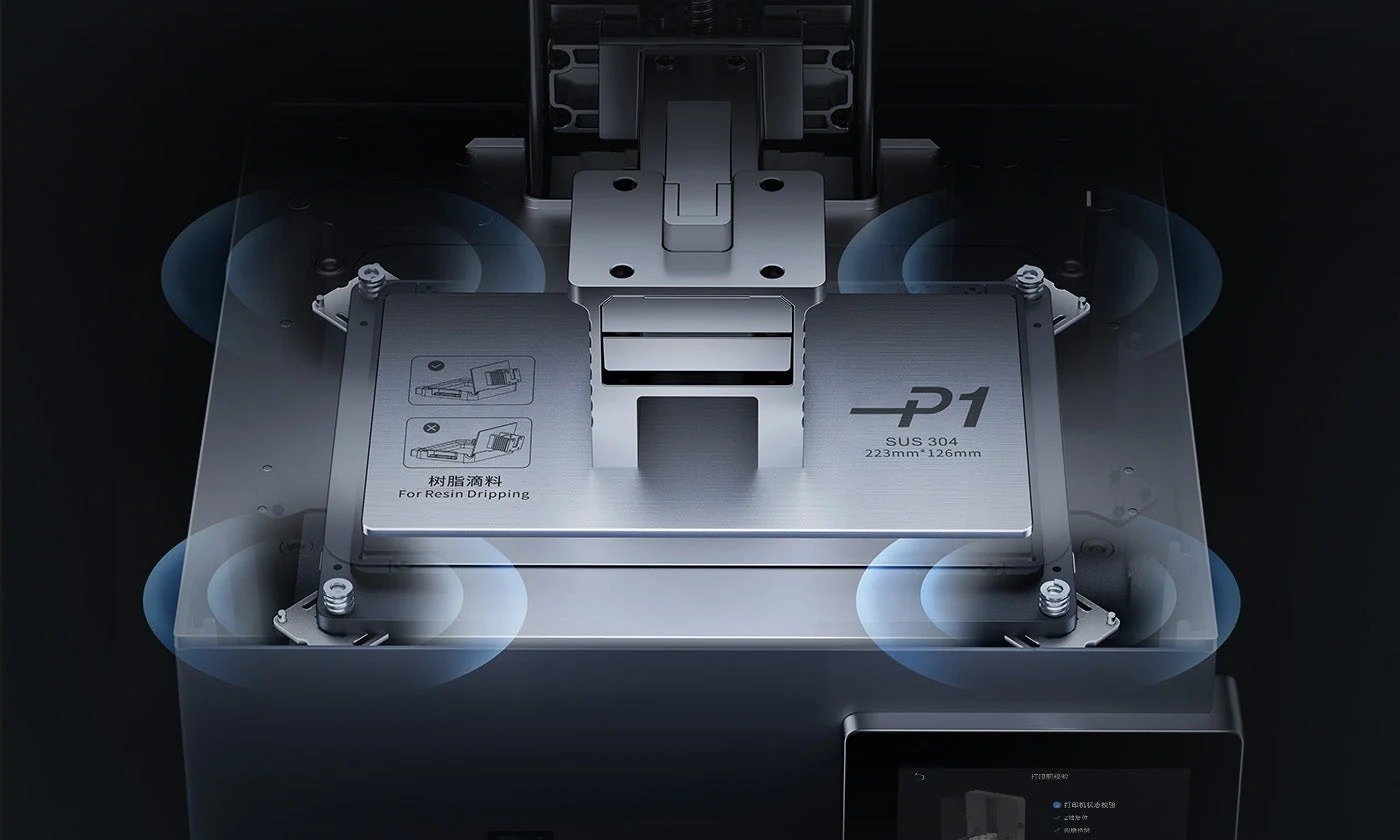
Auto-Leveling Self-Check
Automatically performs bed leveling self-check before printing to ensure optimal platform readiness.

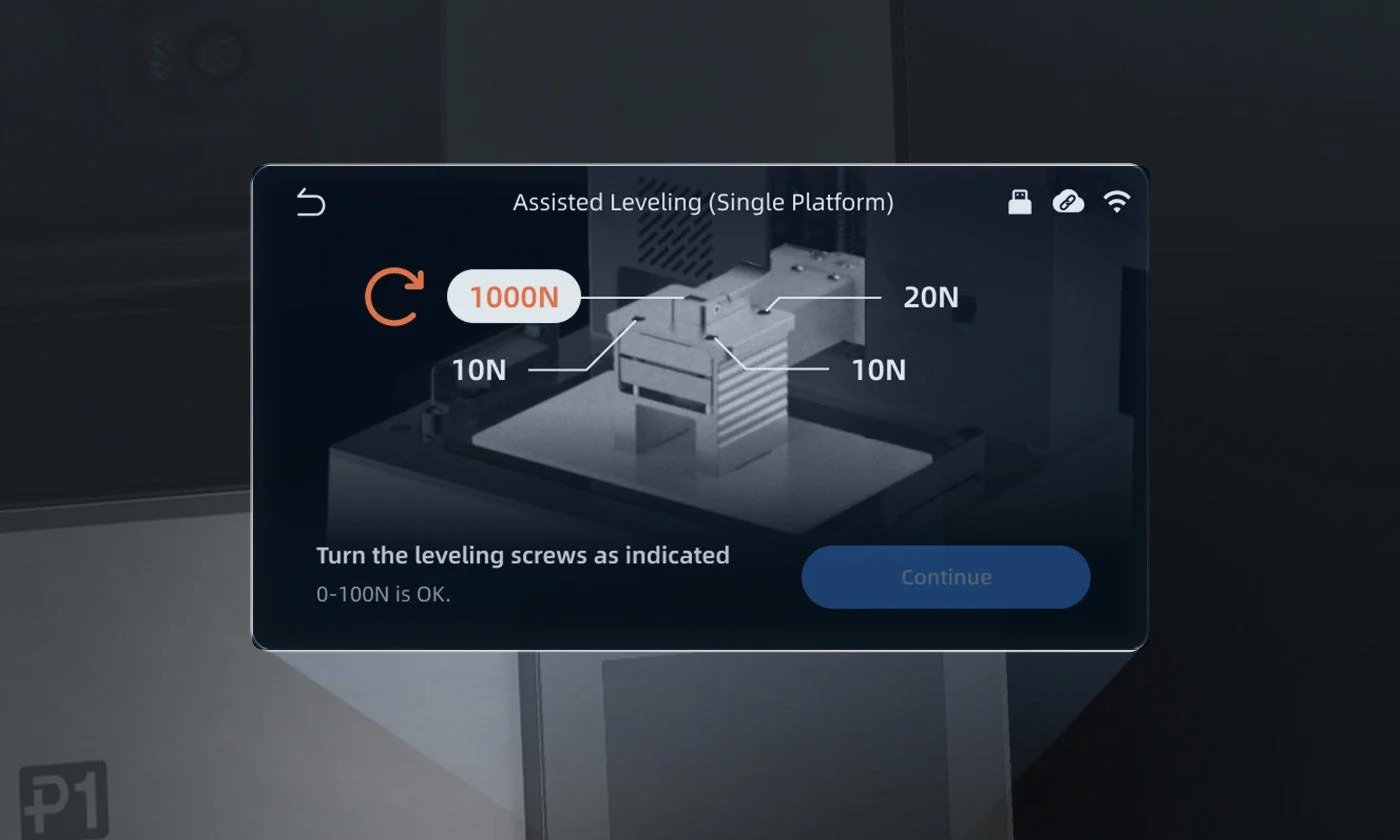
Leveling-Assist
Displays real-time force values at four corners for fine-tuning.
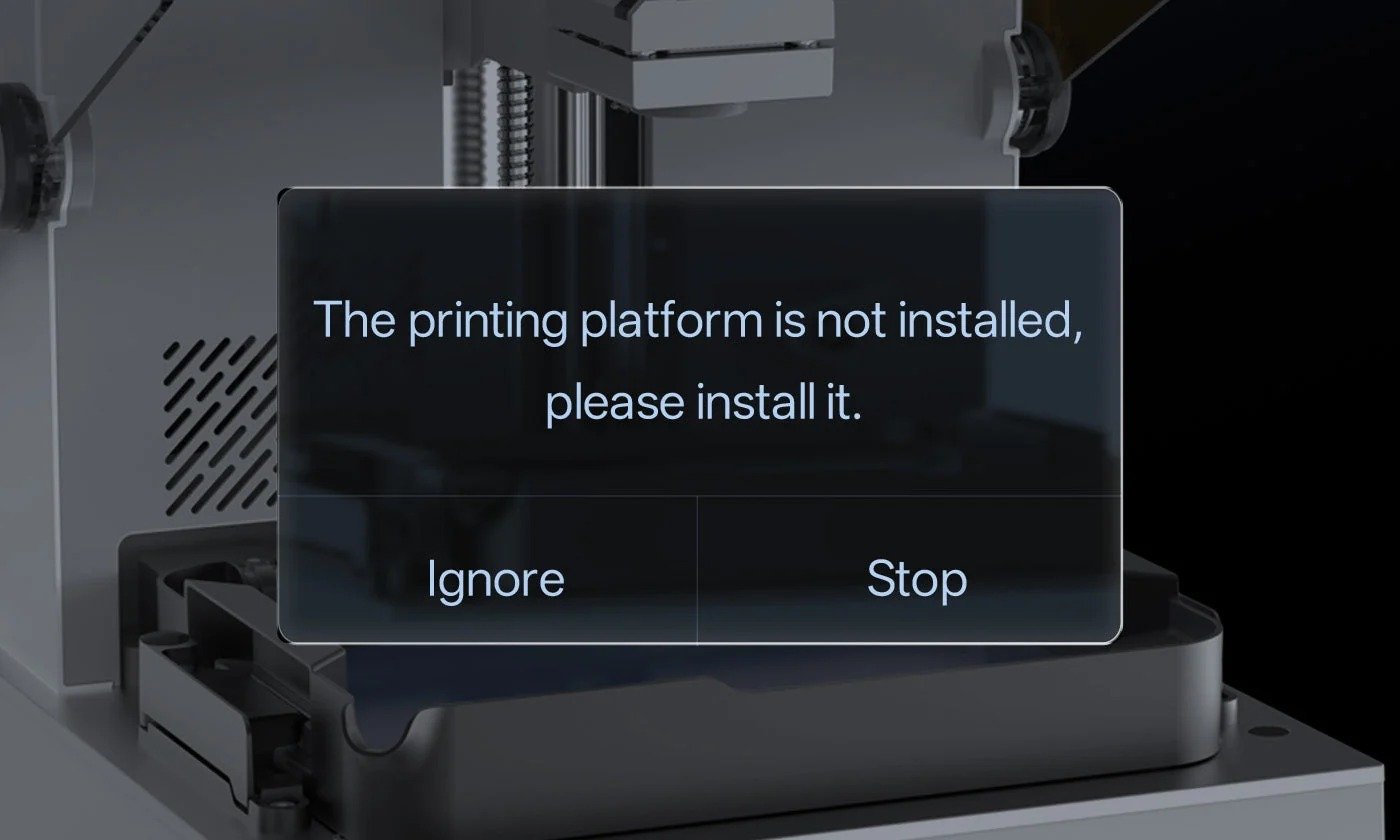
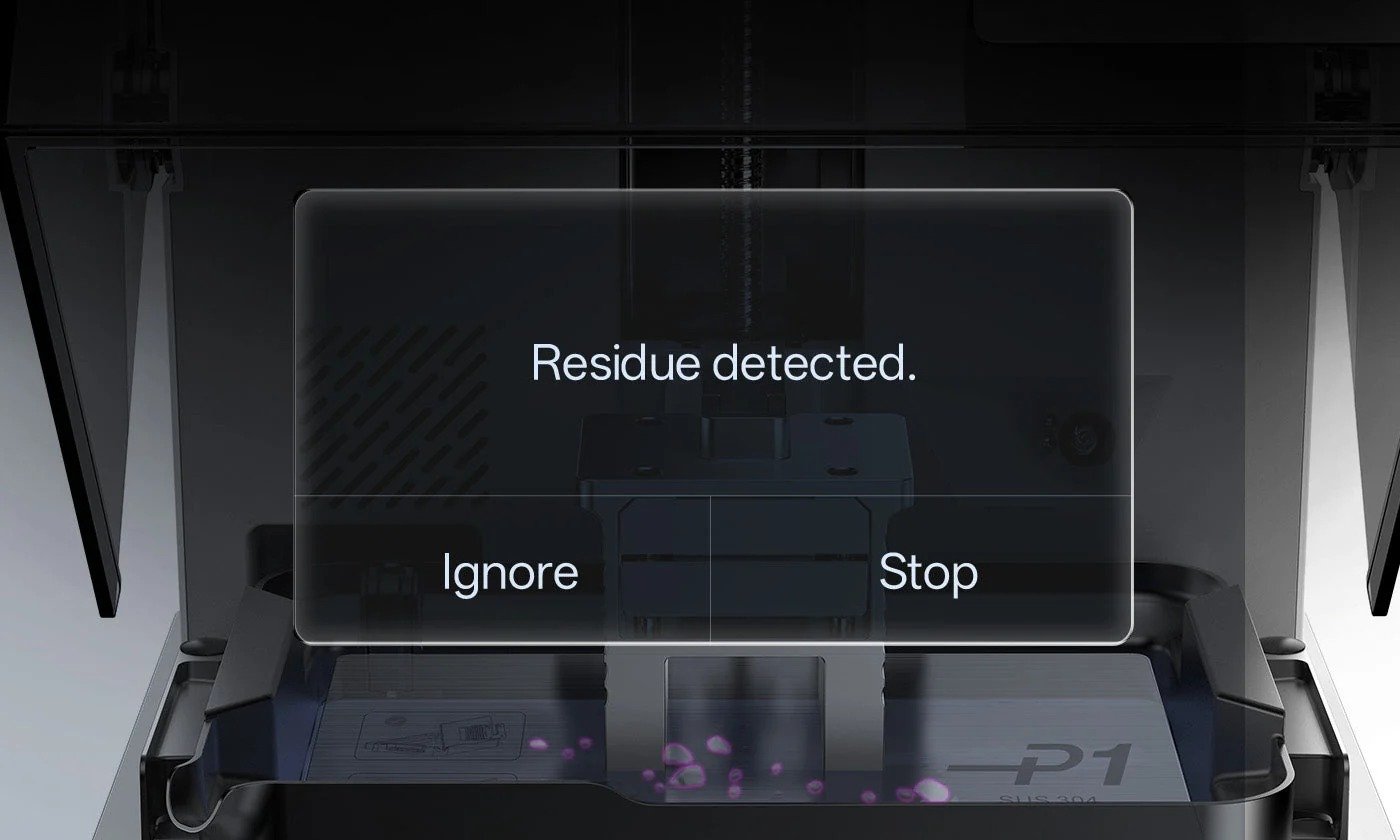
Build Plate Installation Inspection, AI Detection
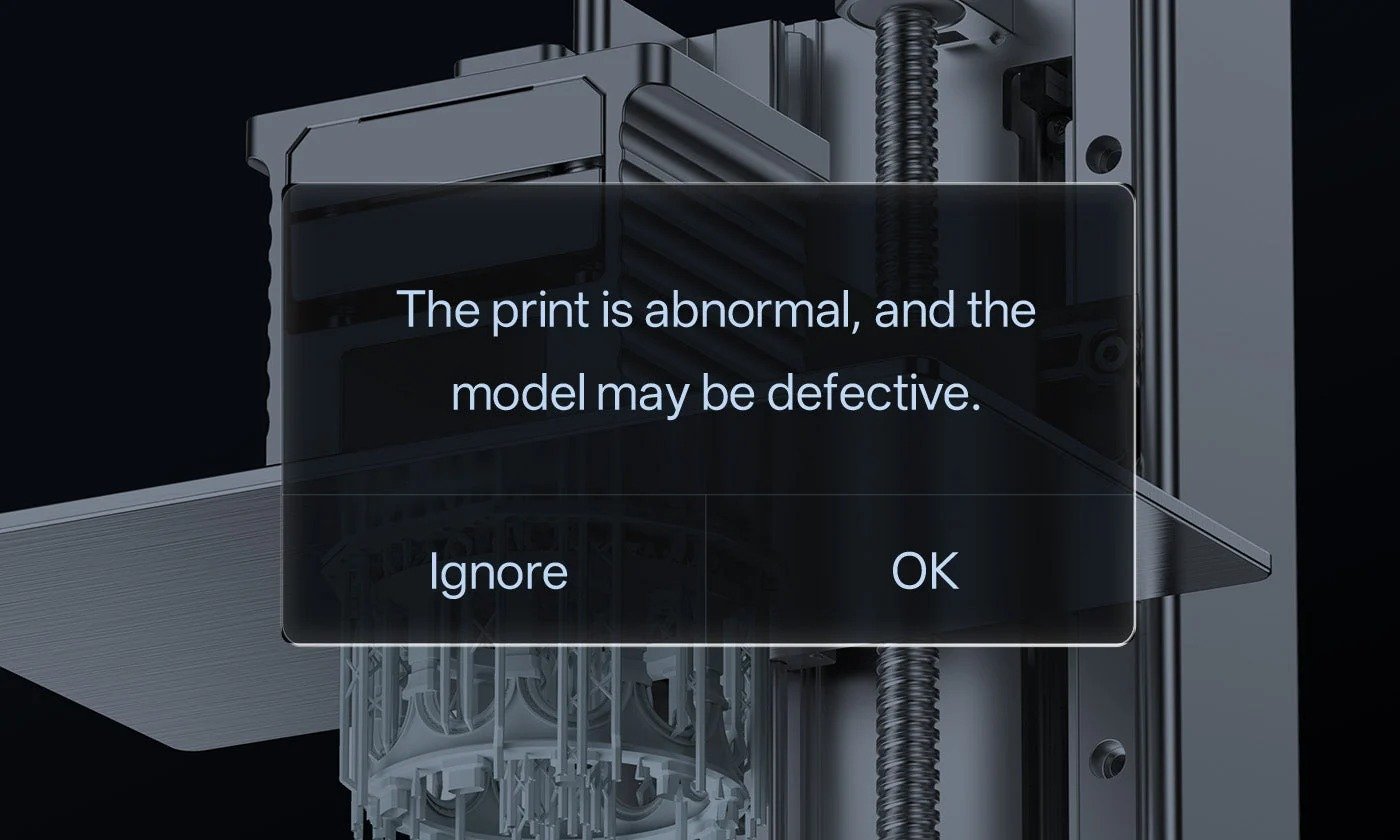
Bottom Layer Separation Inspection, AI Detection
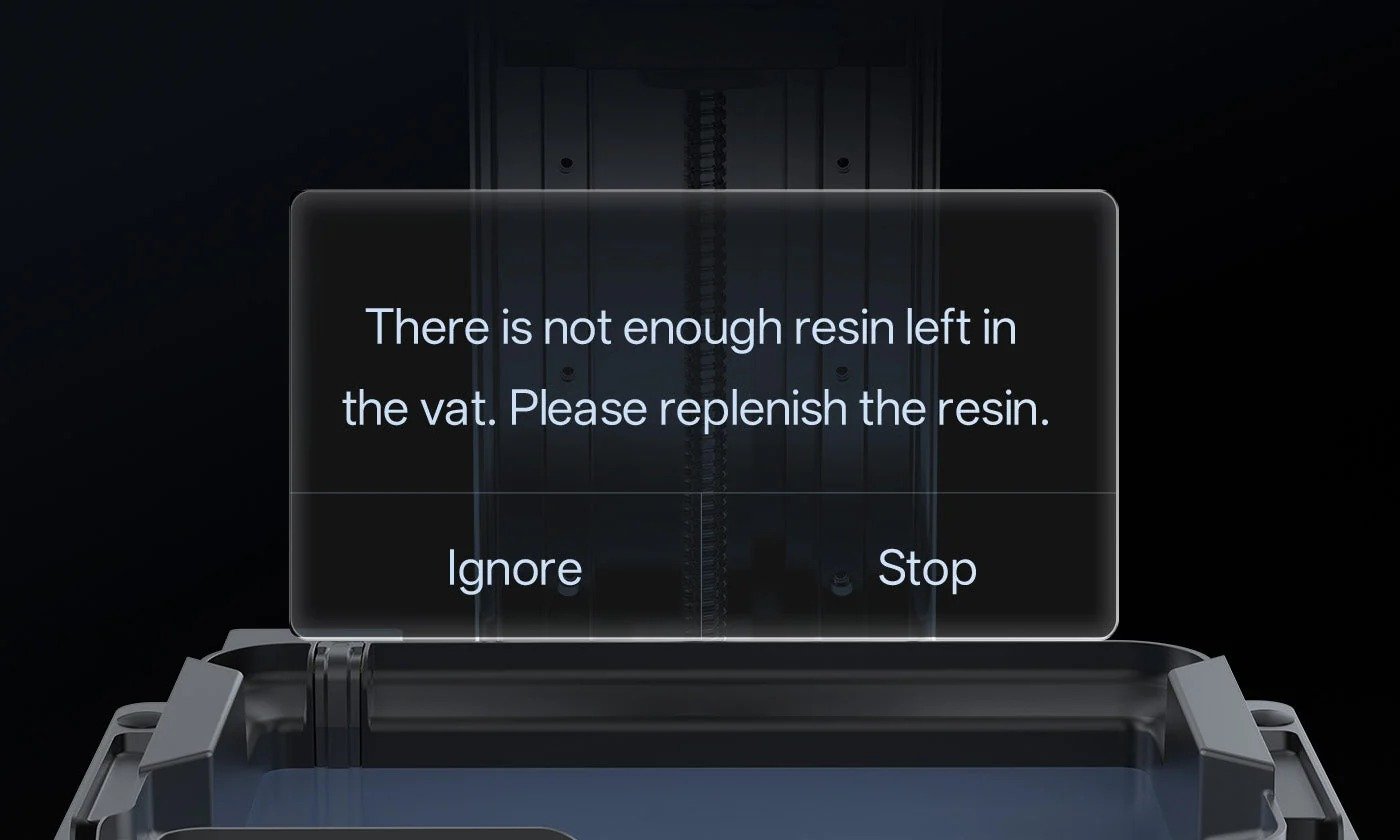
Resin Level Inspection
Residue Inspection
Core Printing Performance
| Printing Volume | 223*126*230 mm³ (6.5 L) |
| Printing Speed | 25-35 mm/h (0.05 mm layer, Std Resin) |
| Layer Height Range | 0.02-0.15 mm |
| X/Y Axis Resolution | 16.8 × 24.8 μm |
| Light Source | COB + Fresnel + Mask |
| Light Intensity | 5000 μW/cm² |
| Material Compatibility | All Anycubic Resins |
System & Mechanical Design
| Build Platform | Precision Steel Platform |
| Z-axis | Dual Rail + Ball Screw |
| Release film | NFEP |
| Resin Vat | ≤1 L |
| Machine Leveling | Auto-Leveling 3.0 with Feedback |
| Power Loss Resume | Supported |
| Power Supply | 215W |
| Protection Film | Bump-Release Tech (Integrated) |
| Resin Auto-fill Unit | Not Supported |
| Dynamic Temperature Control Resin Vat | Supported |
| Slicing Software | Photon Workshop(+ Chitubox/Lychee/Tango) |
Experience & Features
| Hinged Cover | Smooth Hinge (>45° stepless) |
| Operating Screen | 4.5″ Resistive Touchscreen |
| Air Purifier | Optional AirPure 2.0 |
| LCD Screen | 10.1″ Monochrome LCD (14K) |
| Anycubic App | Supported |
| Multilingual Support | EN / CN / DE / FR / IT / ES / RU / JP / PT / KR |
| Machine Weight | 13.6 kg |
| Package Weight | 17.6 kg |
| Product Dimensions | 366*338*539 mm³ |
| Packaging Dimensions | 420*430*620 mm³ |



| Features / Specs | Anycubic Photon P1 | Anycubic Photon Mono M7 Pro |
|---|---|---|
| Printing Volume | 223*126*230 mm³ (6.5 L) | 223*126*230mm³ (6.5L) |
| Printing Speed | 25-35 mm/h (0.05 mm layer, Std Resin) | Max Speed ≤130mm/h; Standard Resin (0.1mm): ≤130mm/h; High-Speed Resin (0.1mm): ≤170mm/h |
| Layer Height Range | 0.02-0.15 mm | 0.01 – 0.15mm |
| X/Y Axis Resolution | 16.8 × 24.8 μm | 16.8 × 24.8μm |
| Light Source | COB + Fresnel + Mask | COB Light Source+ Fresnel lens+Light Uniformity Algorithm |
| Light Intensity | 5000 μW/cm² | 5500 ±10% μW/cm² |
| Material Compatibility | All Anycubic Resins | High-speed, Water-washable, Standard, ABS-like, and Plant-based Resins, etc |
| Build Platform | Precision Steel Platform | Laser-engraved Build Plate |
| Z-axis | Dual Rail + Ball Screw | Dual Linear Rails with 10 μm Precision |
| Release film | NFEP | Improved ACF Film |
| Resin Vat | ≤1 L | ≤1L |
| Machine Leveling | Auto-Leveling 3.0 with Feedback | Leveling-free |
| Power Loss Resume | Supported | Not Supported |
| Power Supply | 215W | 240W |
| Protection Film | Bump-Release Tech (Integrated) | Replaceable Scratch-resistant Film |
| Resin Auto-fill Unit | Not Supported | Supported |
| Dynamic Temperature Control Resin Vat | Supported | Supported |
| Slicing Software | Photon Workshop(+ Chitubox/Lychee/Tango) | Photon Workshop, Chitubox, Lychee Slicer (Scheduled) |
| Hinged Cover | Smooth Hinge (>45° stepless) | – |
| Operating Screen | 4.5″ Resistive Touchscreen | 4.3″ Touch-Control |
| Air Purifier | Optional AirPure 2.0 | Optional Accessory |
| LCD Screen | 10.1″ Monochrome LCD (14K) | 10.1-inch Monochrome LCD, 14K Resolution |
| Anycubic App | Supported | Supported |
| Multilingual Support | EN / CN / DE / FR / IT / ES / RU / JP / PT / KR | EN / CN / DE / FR / IT / ES / RU / JP |
| Machine Weight | 13.6 kg | 12.8kg |
| Package Weight | 17.6 kg | 15.2kg |
| Product Dimensions | 366*338*539 mm³ | 312*315*520mm³ |
| Packaging Dimensions | 420*430*620 mm³ | 620*395*395mm³ |
| File Transfer | – | USB/WiFi/LAN |
What do the [1][2][3][4] annotations in the product details mean?
[1]Test results are based exclusively on Anycubic resins and recommended parameter configurations. Actual performance may vary due to material variations and environmental conditions.
[2]AI detection: Disabled by default. Enabling this feature triggers video recording warning.
[3]Requires AirPure 2.0 accessory
[4]One-Click Slicing feature scheduled for Q2 2026 release.
How is the Anycubic Photon P1 different from other resin 3D printers, and what advantages does it offer?
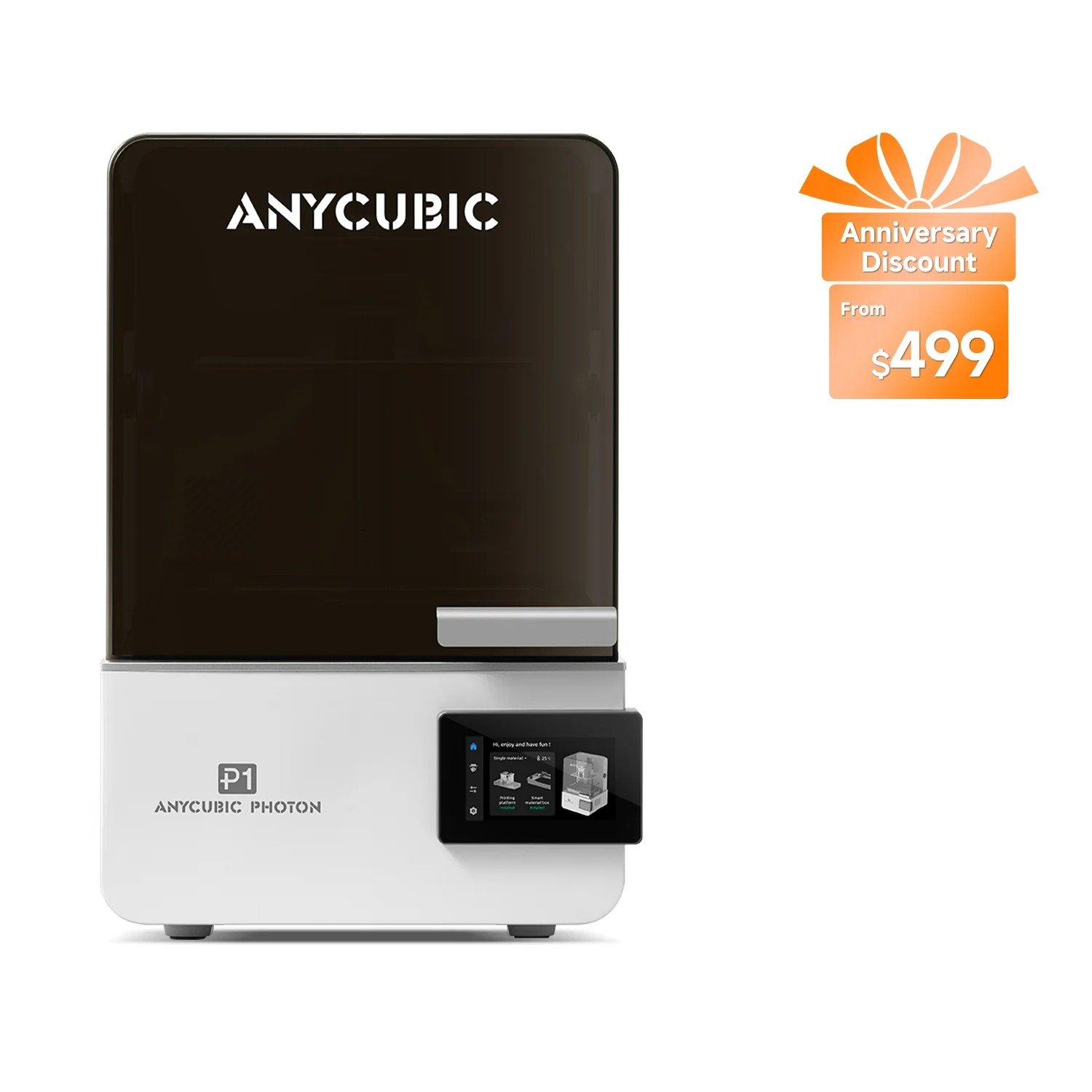
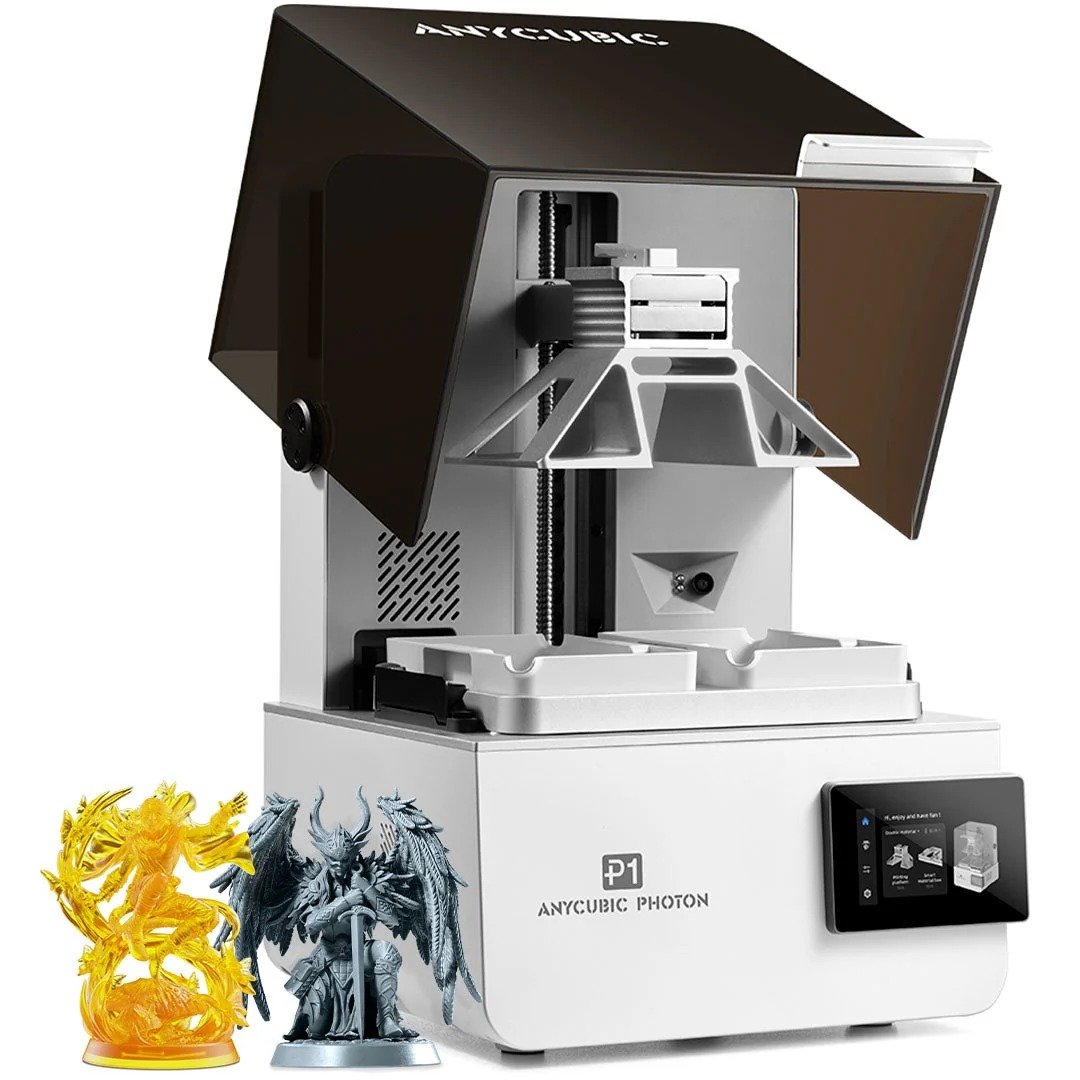
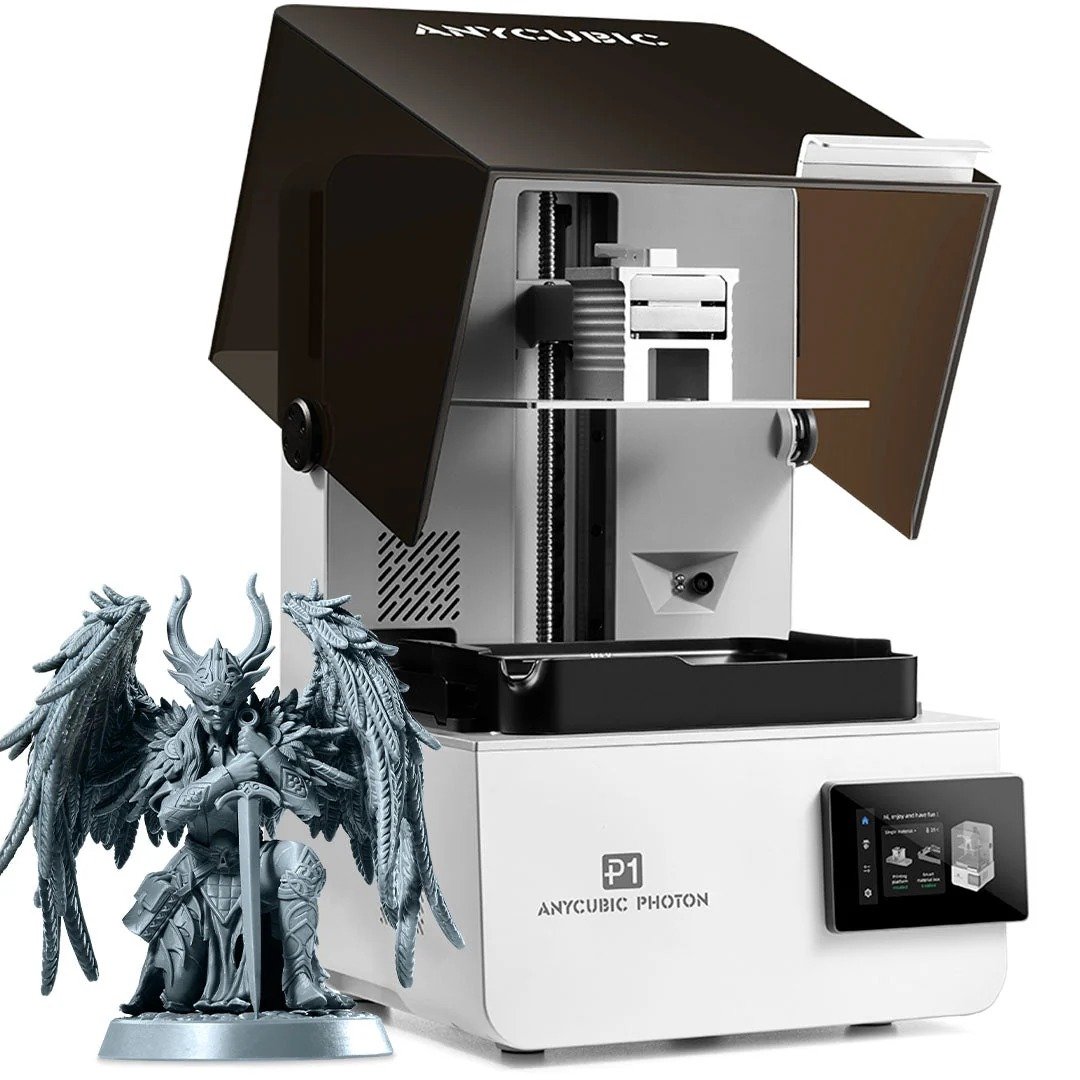
The Anycubic Photon P1 is a next-generation desktop resin printer that bridges industrial precision with consumer-level simplicity.
– Unlike traditional resin printers, Photon P1 supports dual-color and dual-material printing through an optional Dual Material Print Kit, allowing you to create complex, dual-color, or dual-material designs in one go.
– The Photon P1 features a 14K 10.1-inch LCD screen for ultra-fine 16.8μm*24.8μm XY precision, paired with the LighTurbo 4.0 optical system that ensures uniform light distribution and sharper details.
– The Photon P1’s industrial-grade ball screw, Intelligent Leveling System 3.0, and Smart Dynamic Balance systems work together to maintain consistent accuracy and stability across repeated prints.
– The Photon P1 adopts a Wave Release Technology that reduces peel force by up to 60%, minimizing stress on both the model and resin tank. Helping achieve smoother surfaces, quieter printing, and more reliable results. With up to 20–30% resin savings and dimensional accuracy improved by 50–80%, the Photon P1 delivers reliable, professional-grade results for prototypes, miniatures, and artistic creations alike.
*Note:
① Dual Material Print Kit is available as an optional add-on.
② Data are based on proper use of Photon P1 with designated resin materials. Actual performance may vary depending on printing conditions and materials used.
Can I choose between single and dual-material printing on the Photon P1?
Yes. The dual-material print kit is optional, giving you the flexibility to tailor your setup to your needs:
– Precision-Milled Steel Build Plate: Offers a 6.5 L capacity, ideal for larger models and maximizing build volume.
– Dual-material kit: Allows printing with two materials or colors simultaneously, improving efficiency and saving resin for smaller parts.
– For users working with high-viscosity resin materials, a Perforated Steel Build Plate is also available as an optional upgrade, offering enhanced adhesion and smoother print success.
The Photon P1’s Precision-Milled Steel Build Plate (flatness tolerance < 80 μm) ensures superior flatness, durability, and adhesion stability compared with aluminum plates, delivering consistently reliable results no matter which configuration you choose.
Photon P1 supports automatic bin recognition and heating for dual-platform cartridges?
Photon P1 currently does not support automatic recognition and heating functions for dual-platform cartridges.
How does dual-color or dual-material printing work?
The Photon P1 supports two-color and two-material printing through the optional Dual Material Print Kit, which includes two independent resin tanks and matching build plates. With separate slicer settings for each tank, the printer can handle two colors or two resin types in a single job, helping reduce waste and removing the need for multiple print runs.
– For dual-color prints using the same resin type, simply pour two different colors into the tanks and set the slicing parameters accordingly. The printer outputs both colors at the same time, completing the model in one run—saving time and simplifying your workflow.
– For dual-material prints, assign a different resin type to each tank in the slicer. Each material uses its own parameters during printing, allowing both to be processed simultaneously while maintaining consistent precision across the entire model.
The Dual Material Print Kit is available as an optional add-on.
How large is the printing area, and what’s the maximum model size the Photon P1 can print?
The Photon P1 features a build size of 223 × 126 × 230 mm with a total printing volume of 6.5 liters. It meets both large-format printing needs and batch production of smaller models, giving users the flexibility to print full-size prototypes.
What is the LighTurbo 4.0 system?
The LighTurbo 4.0 optical engine features an aspherical Fresnel lens with < 2° collimation accuracy and over 92% light uniformity. It ensures sharper edges, finer detail reproduction, and smooth, even curing across the entire building area, making every layer crisp and consistent.
What software does Photon P1 use?
It’s compatible with Photon Workshop 4.0, Anycubic’s latest slicing software. The new version features one-click slicing, automatic support generation, and ready-to-print profiles for Anycubic’s entire resin library—delivering effortless, precise slicing.
(One-click slicing & printing functions are expected in Q2 2026.)
What types of resins can the Photon P1 print with?
The Photon P1is compatible with a wide range of resins, including standard, flexible, transparent, and high-viscosity industrial materials-up to 8000 cps. lts upgraded release film and dynamic balance system ensure stable adhesion and smooth separation even with thicker, more viscous resins.
What is the hottest temperature that the heater can heat the resin to? Is the temperature control adjustable?
It is adjustable.The default temperature is 25 centigrade, and can be set at 20-40 centigrade.
What hardware is required when using a printer to clean and cure printed parts?
To clean and cure printed parts using a printer, you will need Cleaning Kit and Wash & Cure Machine.
How about finding out what resins this machine can support and where to find the resin settings for this 3D printer?
For information on resin settings, please visit: Resin Settings for Anycubic 3D Printers.
[1]Test results are based exclusively on Anycubic resins and recommended parameter configurations. Actual performance may vary due to material variations and environmental conditions.[2]AI detection: Disabled by default. Enabling this feature triggers video recording warning.[3]Requires AirPure 2.0 accessory[4]One-Click Slicing feature scheduled for Q2 2026 release.